








Project overview.
Qualcomm’s One Digital Experience (OneDX) initiative aimed to bring more than 20 websites and portals into a connected digital ecosystem. These experiences served audiences ranging from suppliers and distributors to enterprise customers, engineers, and hobbyists. The vision was a single login, with access to content and services determined by each user’s permissions.
My responsibility was to craft the product experience and maintain a high standard of UI and UX consistency across the areas our team delivered. I worked within Qualcomm’s established design system, developed new reusable components, and maintained the design system as it evolved.
I onboarded, mentored, and collaborated with other UX/UI designers. I also collaborated with business analysts, developers, marketing stakeholders, and project managers, alongside other delivery teams working toward a shared roadmap and coordinated release schedule. Our team contributed to the website and selected portals, while the broader initiative depended on work across multiple teams.
The challenge.
Qualcomm’s digital experiences had grown around different audiences and business functions. Customers purchasing products, distributors managing orders, and engineers researching chip specifications often needed to visit separate websites or sign into different portals. For people with multiple Qualcomm accounts or responsibilities, this created a fragmented experience.
The fragmentation also introduced operational overhead. Maintaining numerous websites across different technology stacks made updates and ongoing maintenance more complex.
The challenge was to bring these experiences together while preserving the distinct needs and access requirements of each audience. Our design work needed to support clearer navigation, consistent interactions, and responsive layouts within Qualcomm’s design system—and align with work being delivered by other teams.
Qualcomm’s digital ecosystem included more than 20 websites. The four examples below show just a few of them.
Before OneDX: separate experiences.
Earlier Qualcomm websites served different audiences through distinct navigation models, visual identities, and account entry points. These archived pages show how the ecosystem appeared before OneDX.
Qualcomm corporate website
The corporate homepage introduced Qualcomm to a broad public audience through large campaign imagery, product stories, and news. Its editorial layout used vertical icon navigation to guide visitors through Products, Solutions, Invention, News, and Company, with no visible account entry point in the primary navigation.
Qualcomm Developer Network
The Developer Network had its own visual identity, bringing together tools, development platforms, downloads, and community resources. A blue horizontal navigation bar connected Get Started, Software, Hardware, Downloads, Forums, Community, and About Us, while Log In and Register links sat in the header. Below a product-led hero, a grid helped visitors explore platform resources.
Qualcomm Reference Designs
The Reference Designs site introduced device manufacturers, component vendors, and software developers to the QRD program. Its simpler layout connected visitors to program resources, the ecosystem, and news through purple navigation labeled Home, Why QRD?, Resources, and Ecosystem. Log in and Register links appeared in a dedicated program header, giving the site its own account entry point.
Qualcomm Atheros
The Atheros networking landing page organized connectivity products around the connected home, enterprise and small business, and public networks. A dark product-family header sat above breadcrumbs, a left-hand navigation menu, and detailed networking content, while an illustrated technology diagram added another distinct way to explore the products. No sign-in link appeared in the primary header. The archived page preserves the full layout, although its embedded video was not archived.
Personas.
The personas we considered included:
- Distributors and suppliers accessing business resources and account services.
- Enterprise customers researching and purchasing Qualcomm products.
- Engineers looking for specifications to inform product selection and development.
- Independent developers and hobbyists exploring technologies for smaller projects.
- General visitors seeking an introduction to Qualcomm and its offerings.
Research & definition.
Our team explored how people navigated Qualcomm’s digital experiences and how the platform could better support different information needs.
Working alongside another UX expert, I created alternative user flows for individual experiences and helped evaluate them through online and in-person usability testing. Exploring multiple approaches allowed us to assess how users understood the navigation, moved through a flow, and found relevant information.
This work informed our priorities for information architecture and navigation, both across the platform and within individual pages. We needed a structure that could support broad exploration alongside more detailed technical needs.
A key learning was that audience expertise and access requirements are separate considerations. Engineers may need deeper information, but non-proprietary technical content does not necessarily need to sit behind a portal login.
A/B testing: filtering and sorting
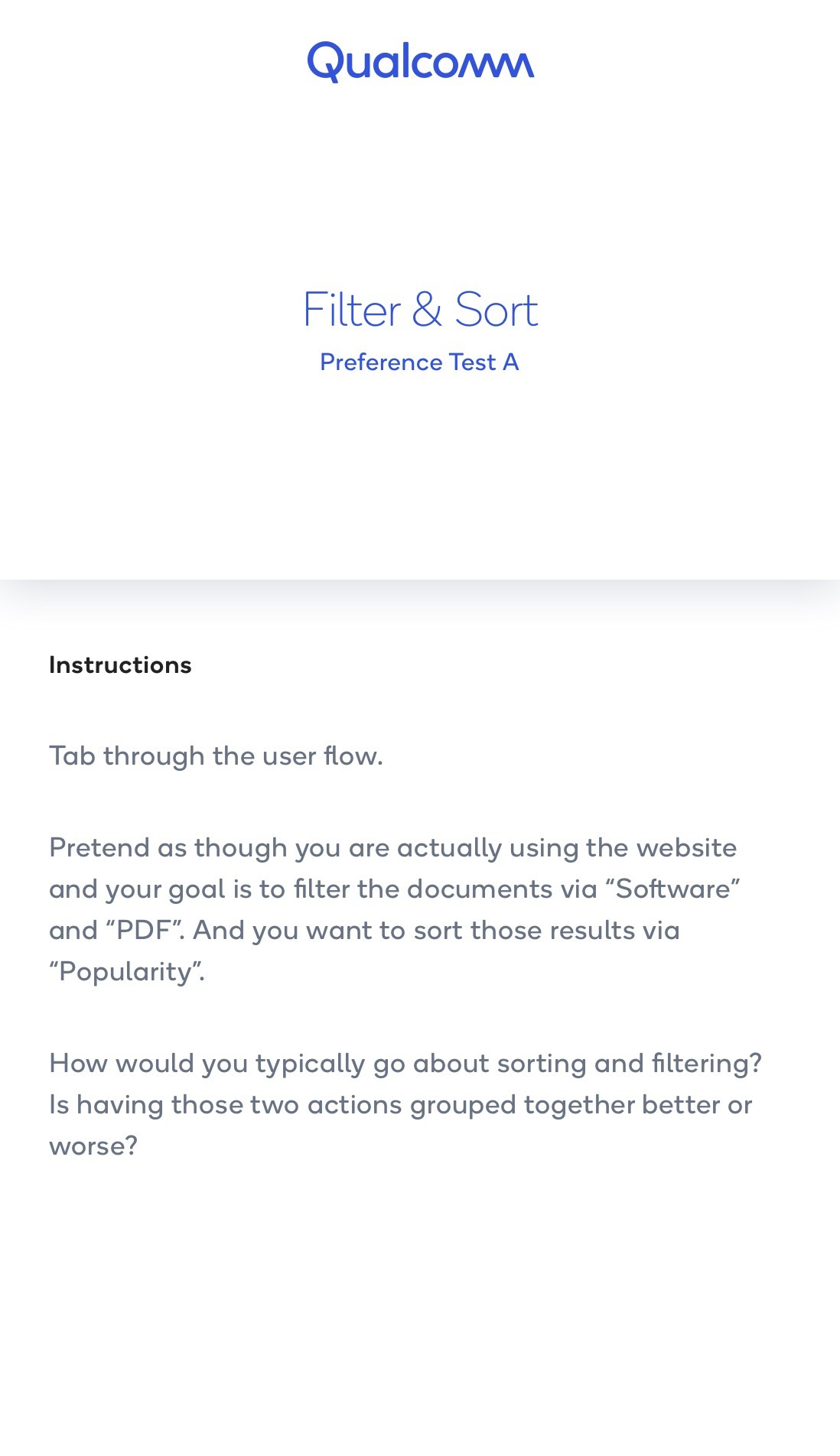
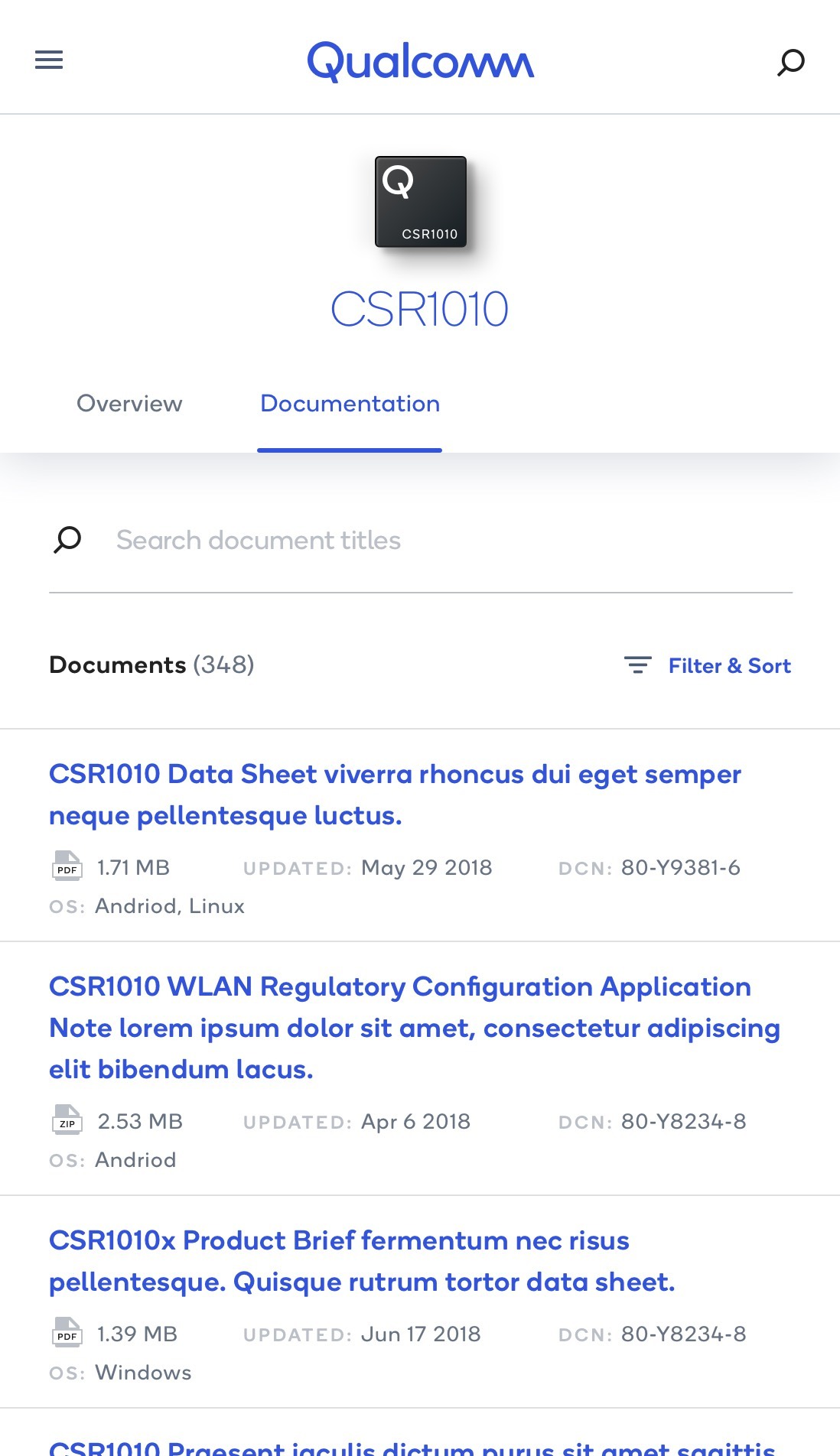
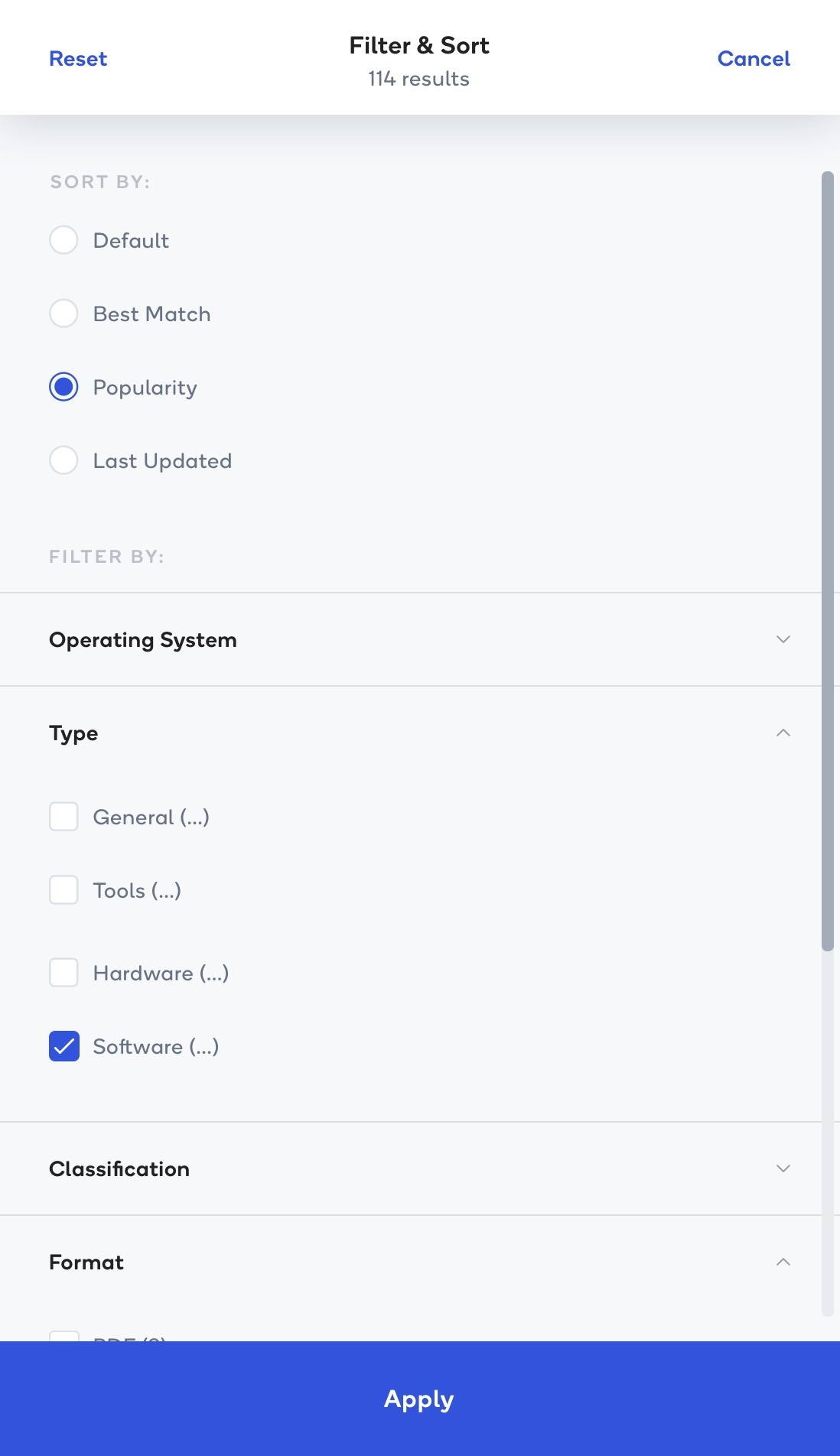
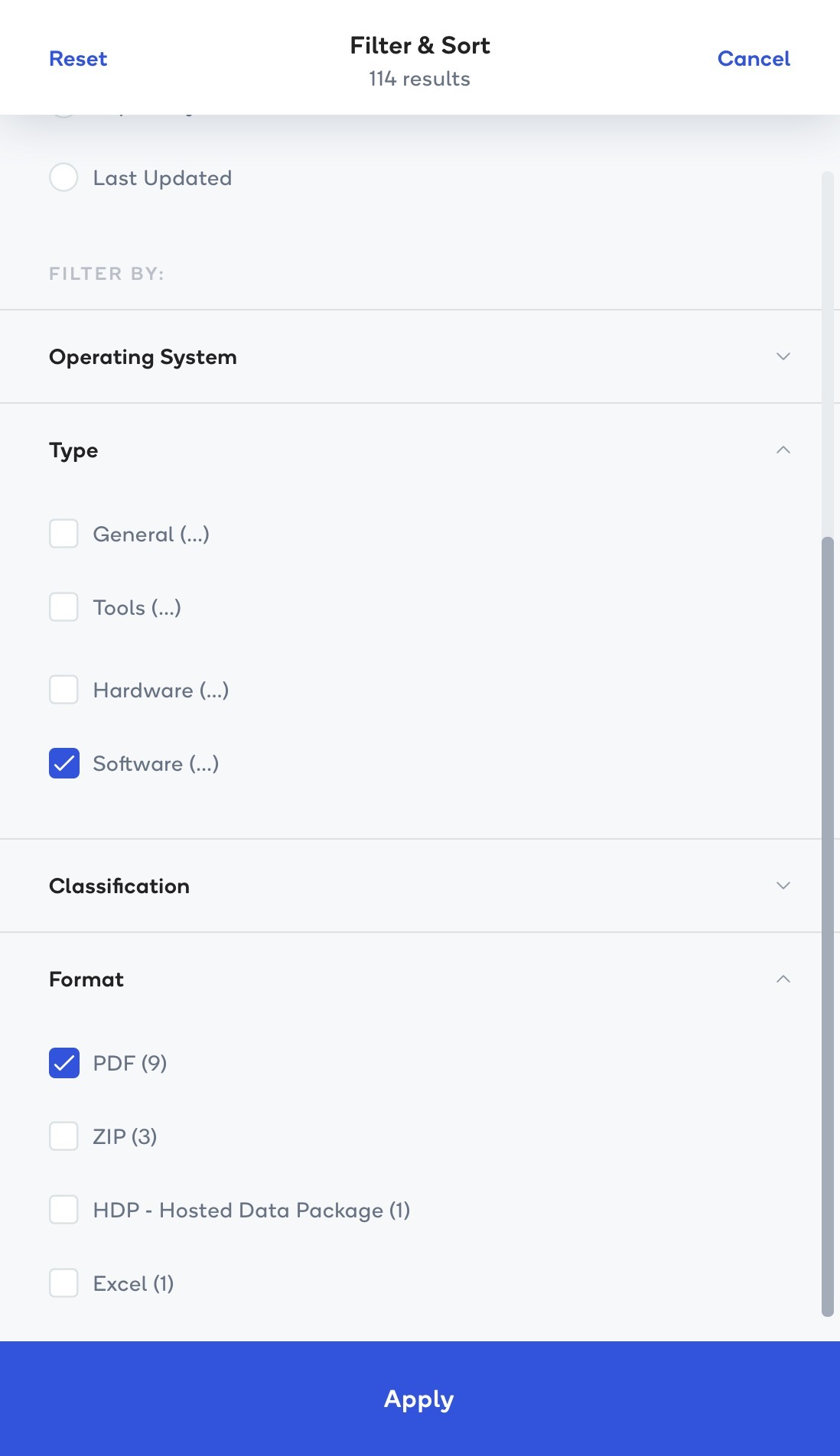
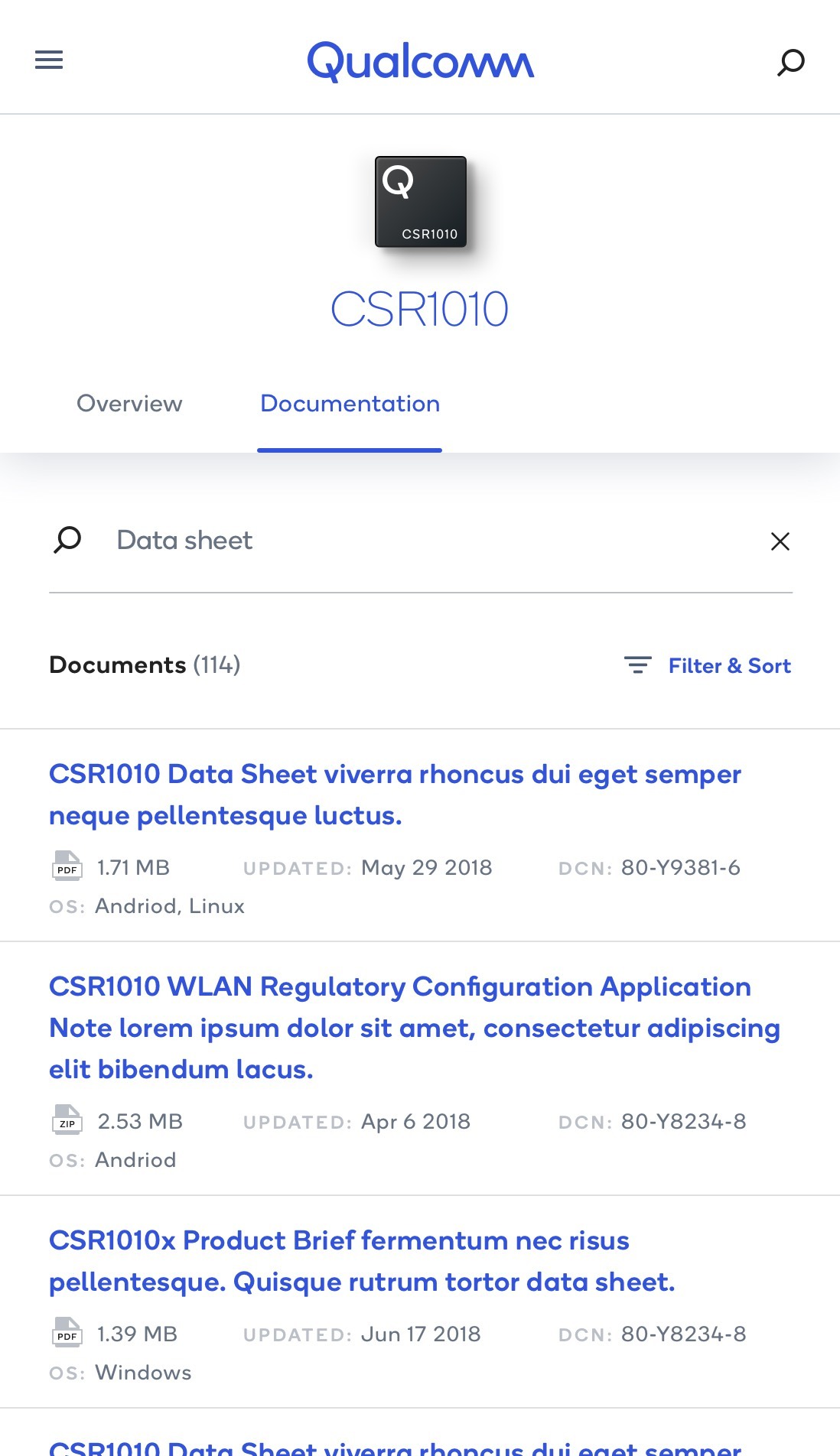
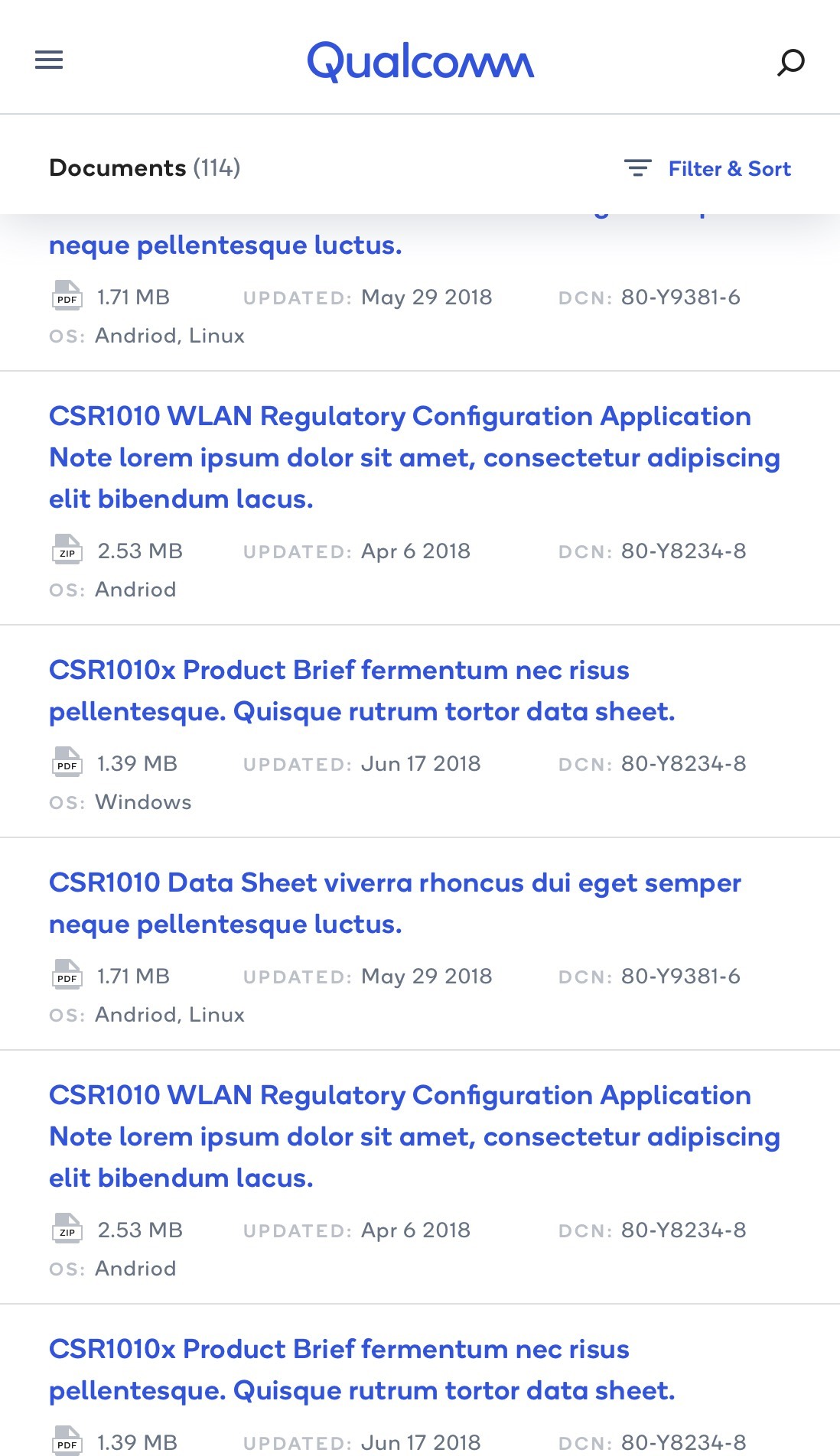
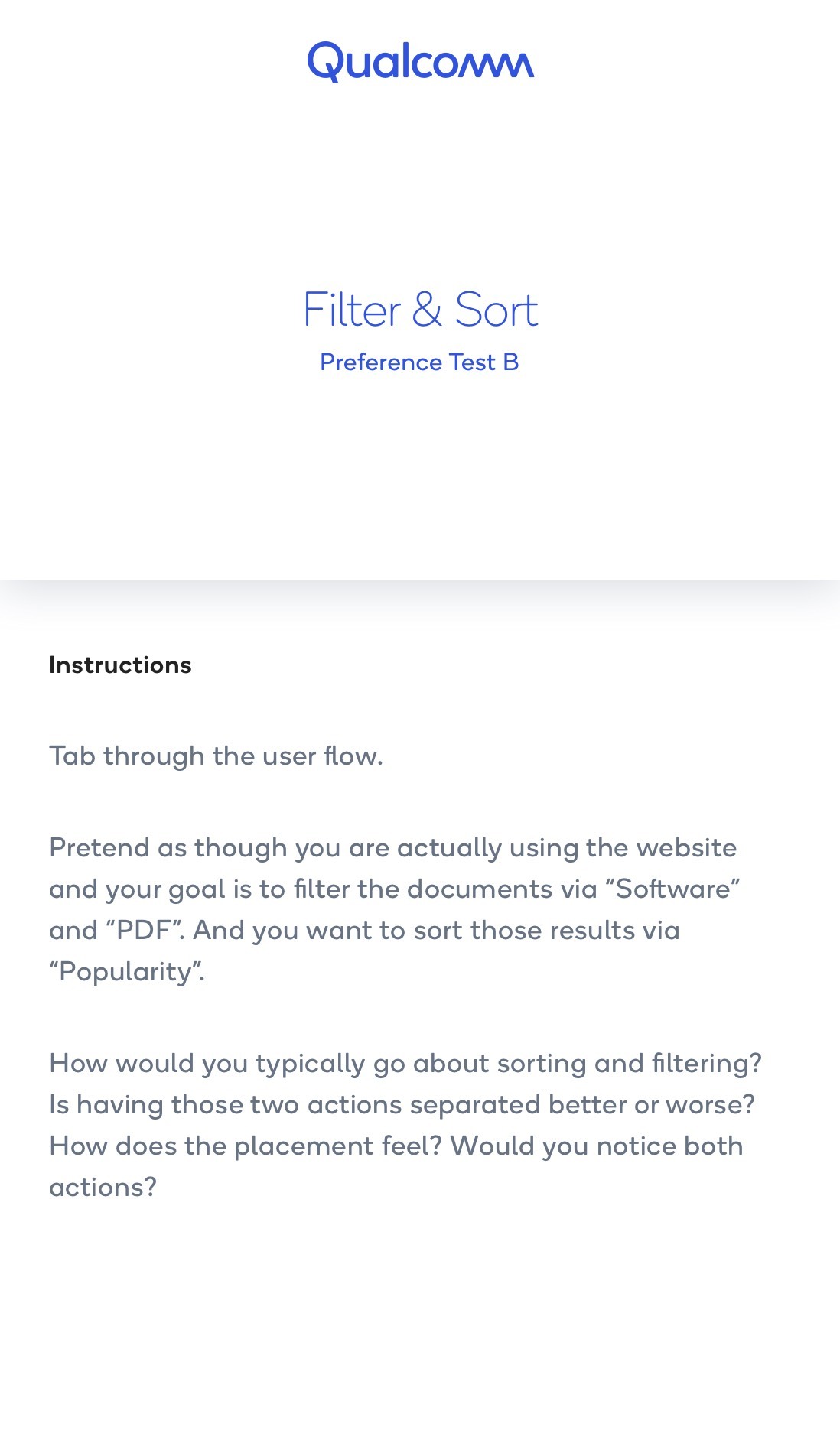
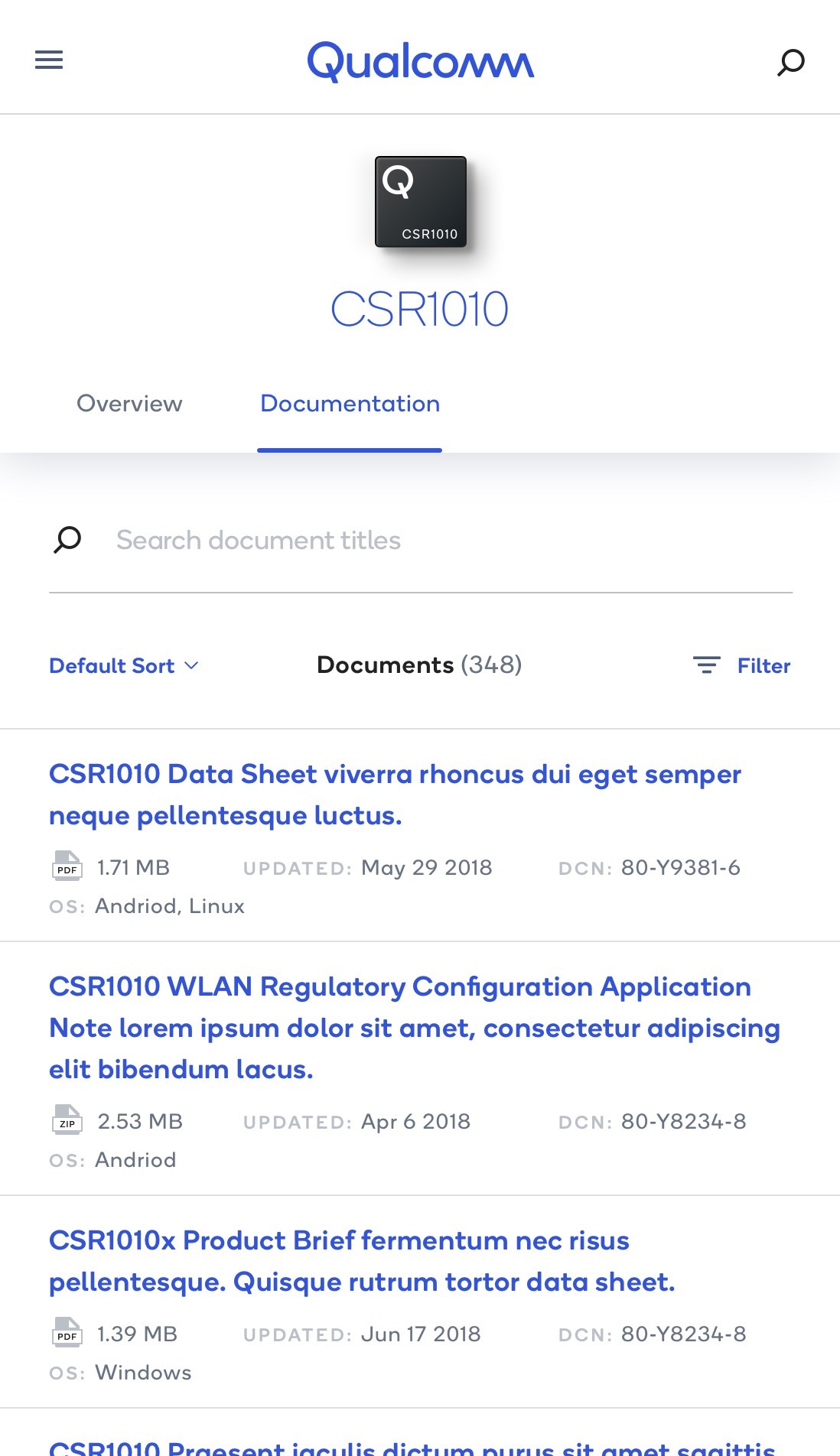
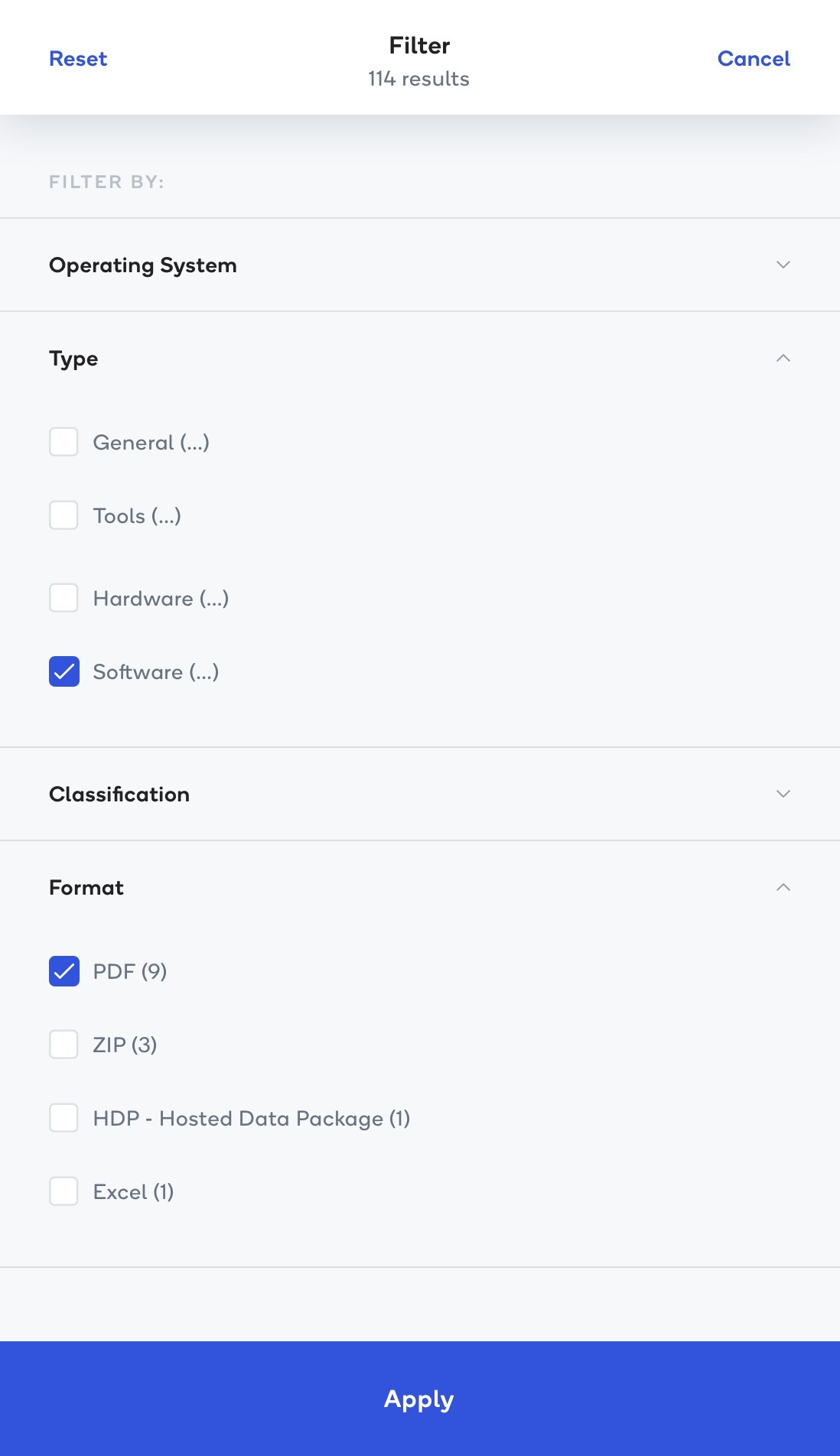
I compared two mobile flows to understand where users expected to find filtering and sorting controls. Both preference tests used the same task: find documents categorized as Software, narrow them to PDF files, and sort the results by Popularity. The comparison focused on how easily people noticed the controls, understood their placement, and moved between the two actions.
Test A: one place to refine results
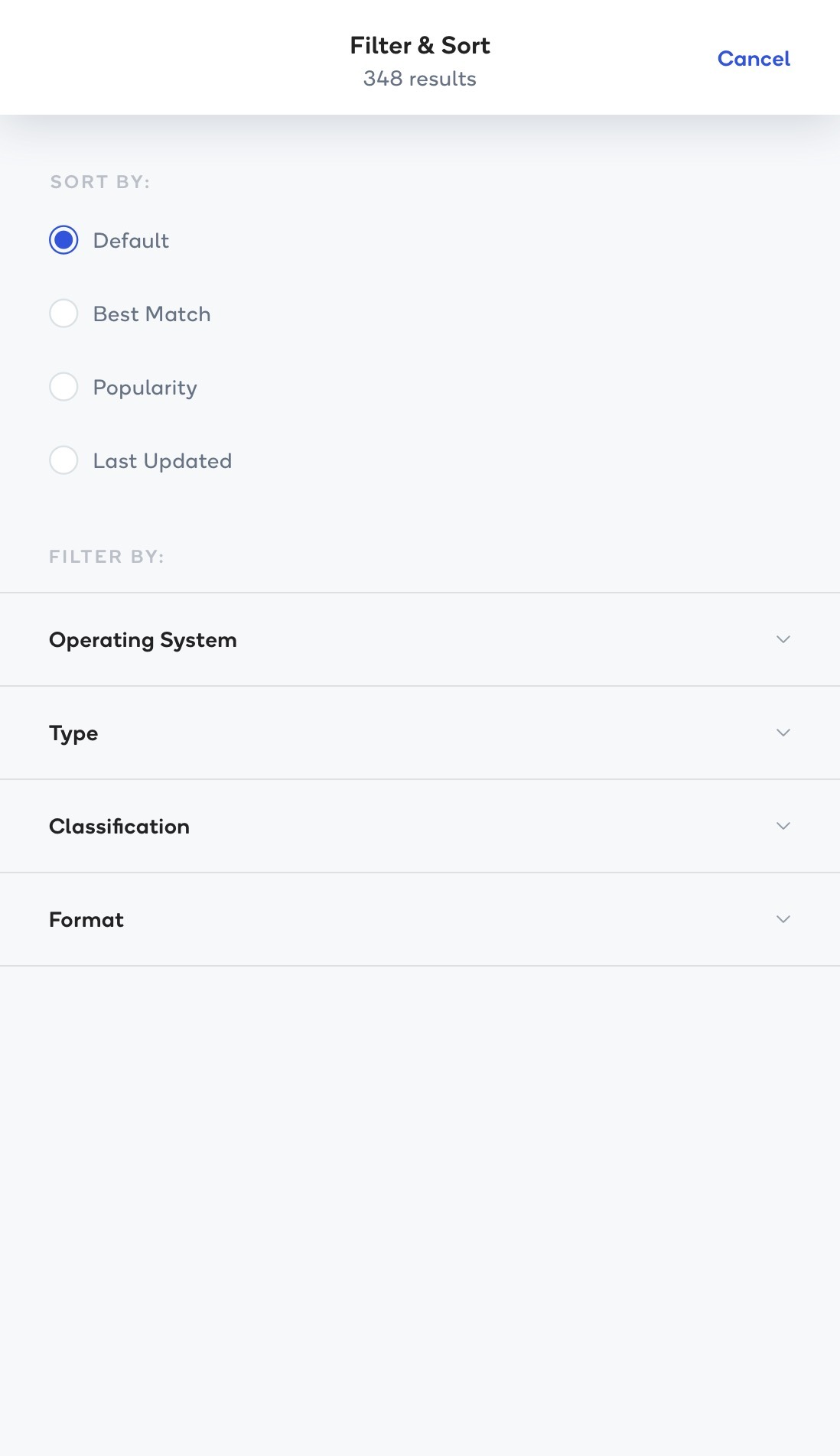
Test A brought both actions into a shared Filter & Sort panel. Users could choose a sort order, expand filter categories, select Software and PDF, and apply their choices from the same screen. The test asked whether grouping these related actions felt more natural.
Test B: separate entry points
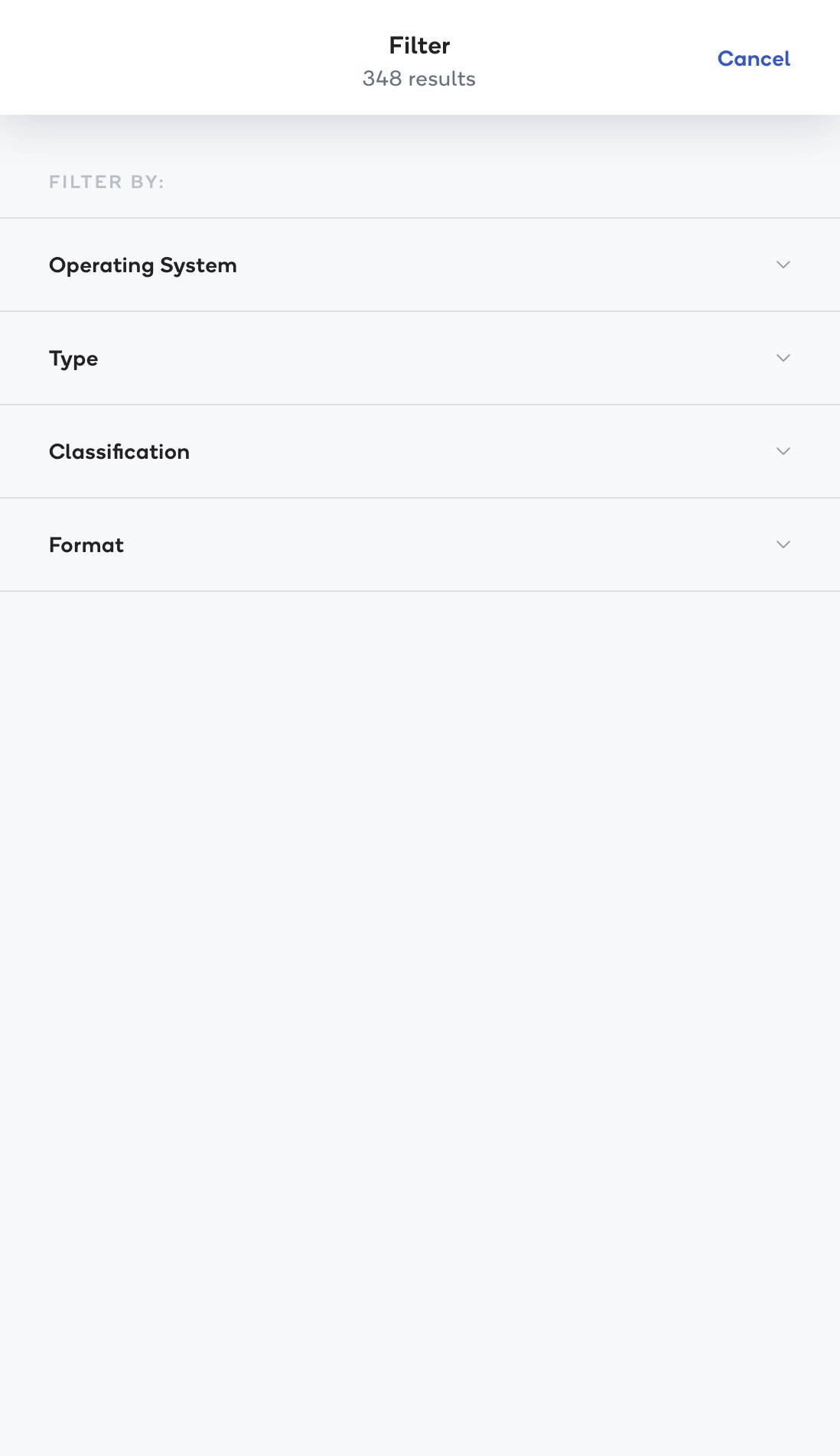
Test B kept filtering in its own panel and sorting in a separate control above the document results. Users applied their filters, returned to the results, and then opened the sort menu to choose Popularity. This version tested whether people noticed both actions and found their separate placement intuitive.
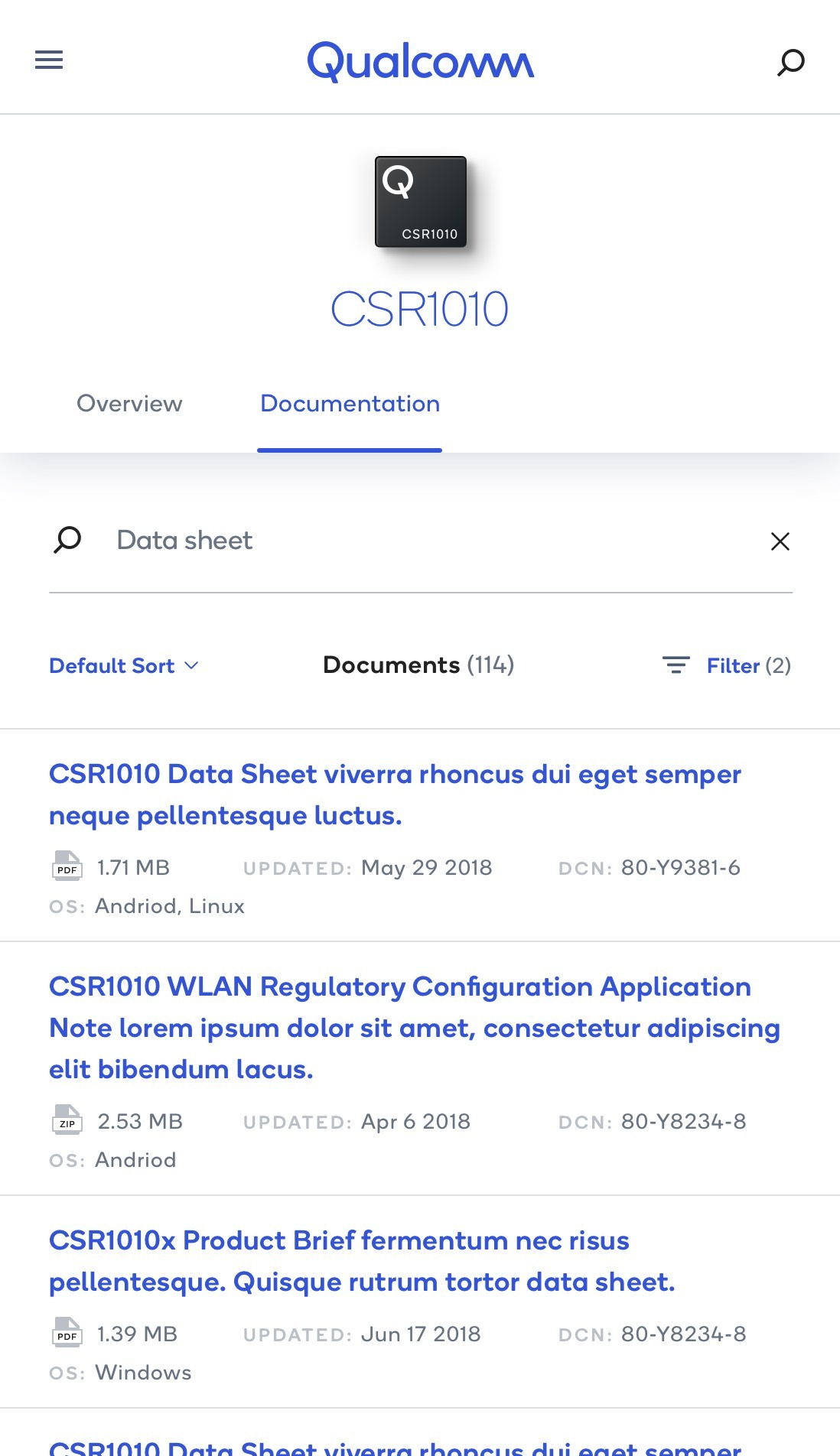
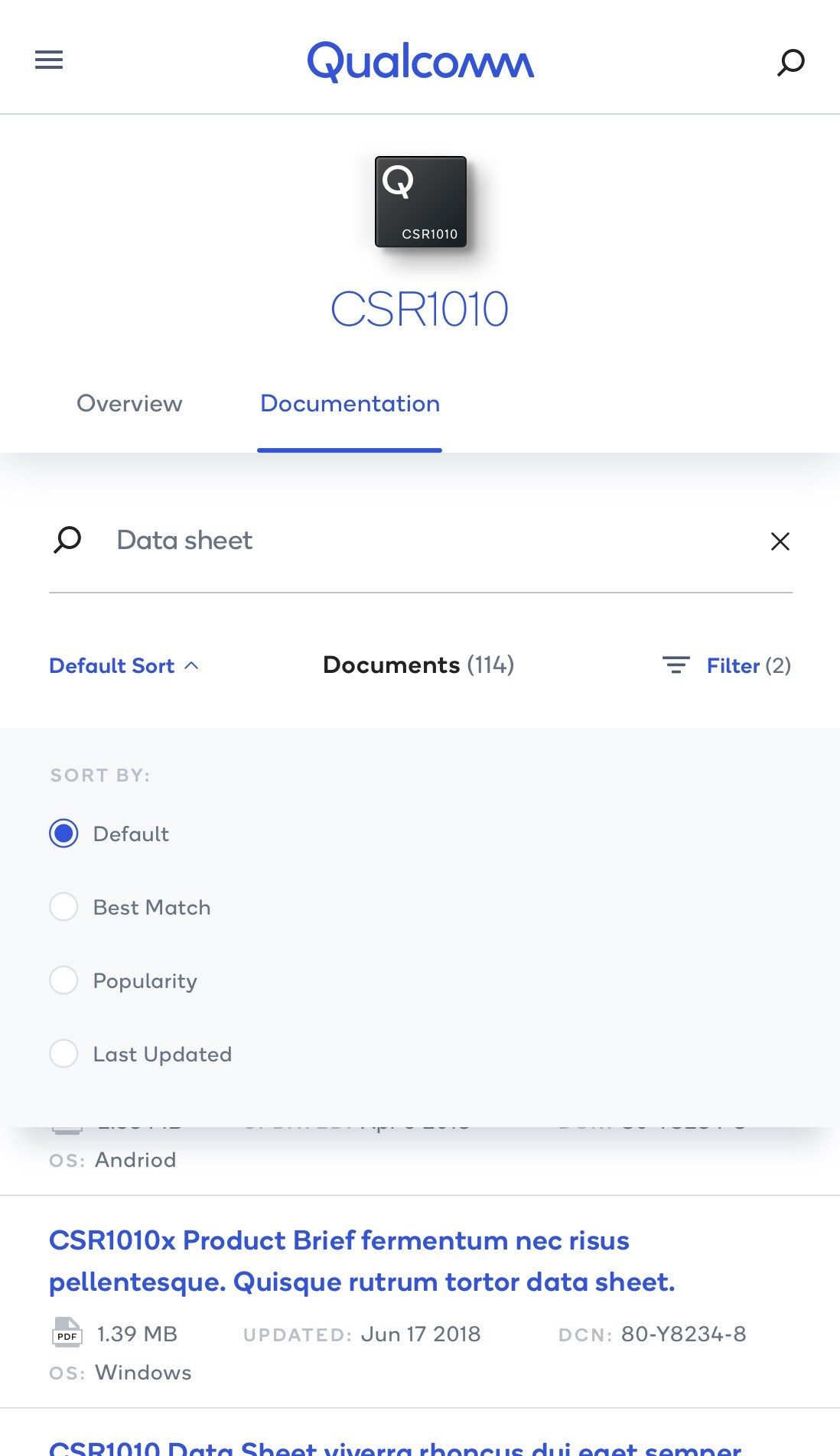
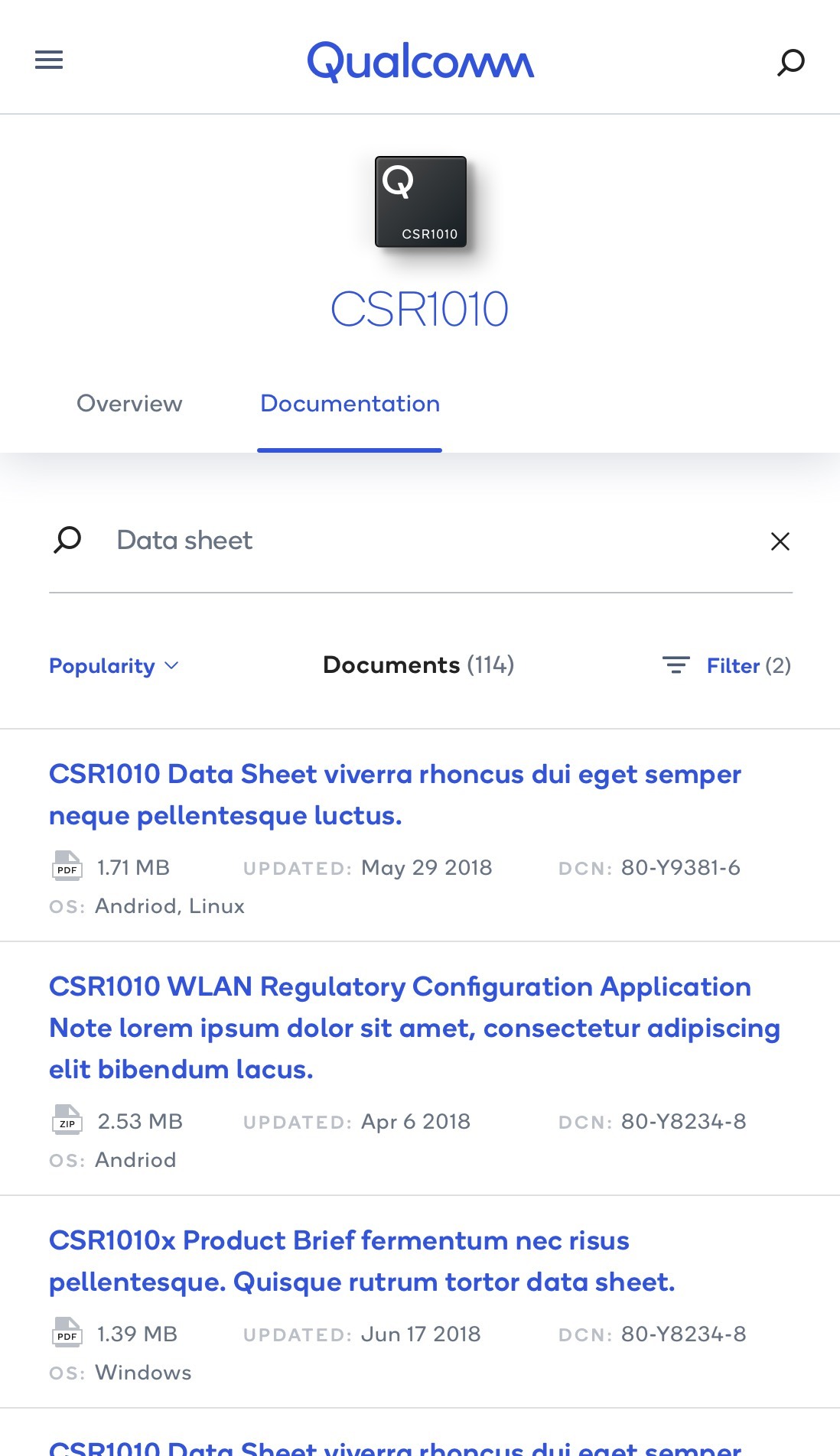
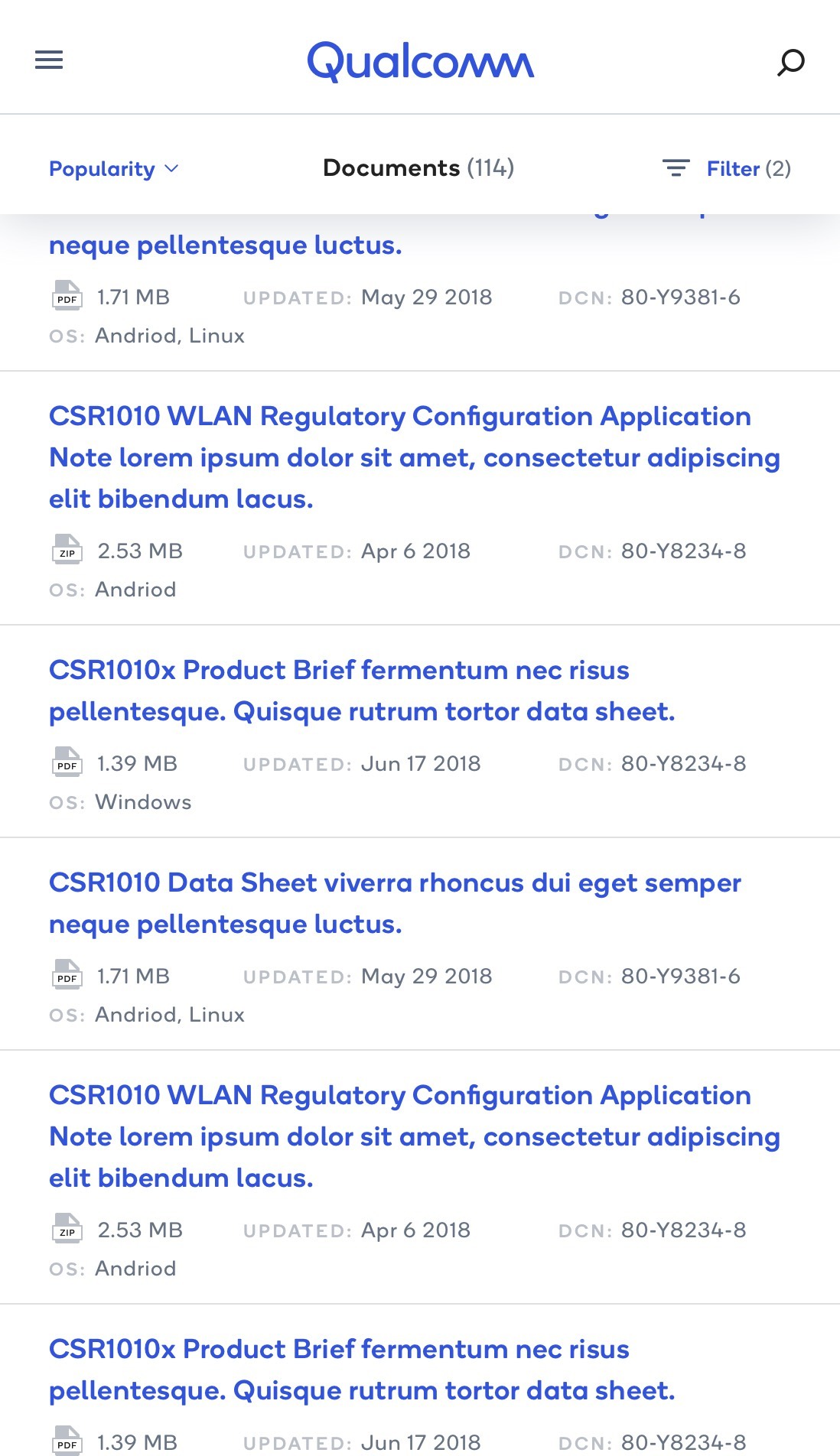
The final direction: a shared Filter & Sort panel
Most participants found sorting easier to discover when it was grouped with filtering. The combined panel gave them one clearly labeled place to refine the document list, rather than requiring them to locate a separate sorting control after applying filters.
The final design places the sort choices at the top of the panel, where they remain visible above the expandable filter categories. Users can scan the sort options, reveal only the filters they need, and apply their selections from one place. This grouping follows the same intent—refining a set of results—while keeping the two actions clearly distinguished by their labels.
The preference for this flow supported a clearer, more discoverable interaction: users could recognize both capabilities together and make their choices without switching between separate controls.
Exploring the experience.
We explored different ways to organize Qualcomm’s content and connect its previously separate experiences. This included alternative approaches to the main navigation, category structures, and navigation within individual pages.
The central design question was how to create a coherent structure for audiences with very different goals. Someone discovering Qualcomm for the first time needed a clear starting point, while an engineer researching a specific product needed a path into detailed information.
I developed multiple flows to explore these needs, working with another UX expert to test alternatives with users online and in person. These sessions informed how we refined navigation and the experience direction.
Alongside this work, I designed responsive layouts for desktop, tablet, and mobile, considering how content hierarchy and navigation would adapt across screen sizes.
Defining communication systems.
A connected digital experience also needs a consistent way to communicate. Across Qualcomm’s websites and portals, people needed to understand what had changed, what required their attention, and what to do next. The communication framework extended the design system into these moments, defining a shared family of patterns for different stages of the customer journey.
Start with the trigger and the level of attention
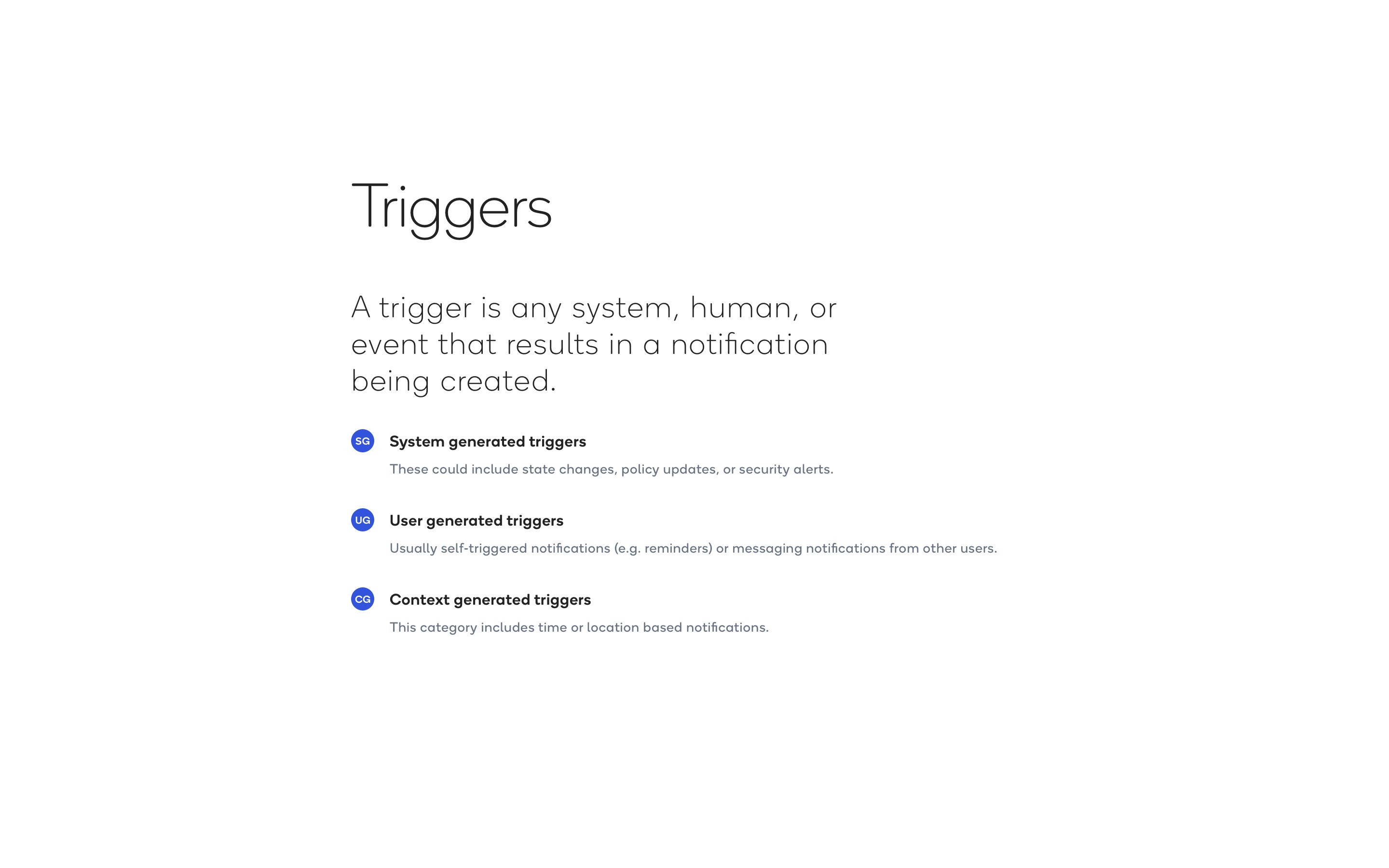
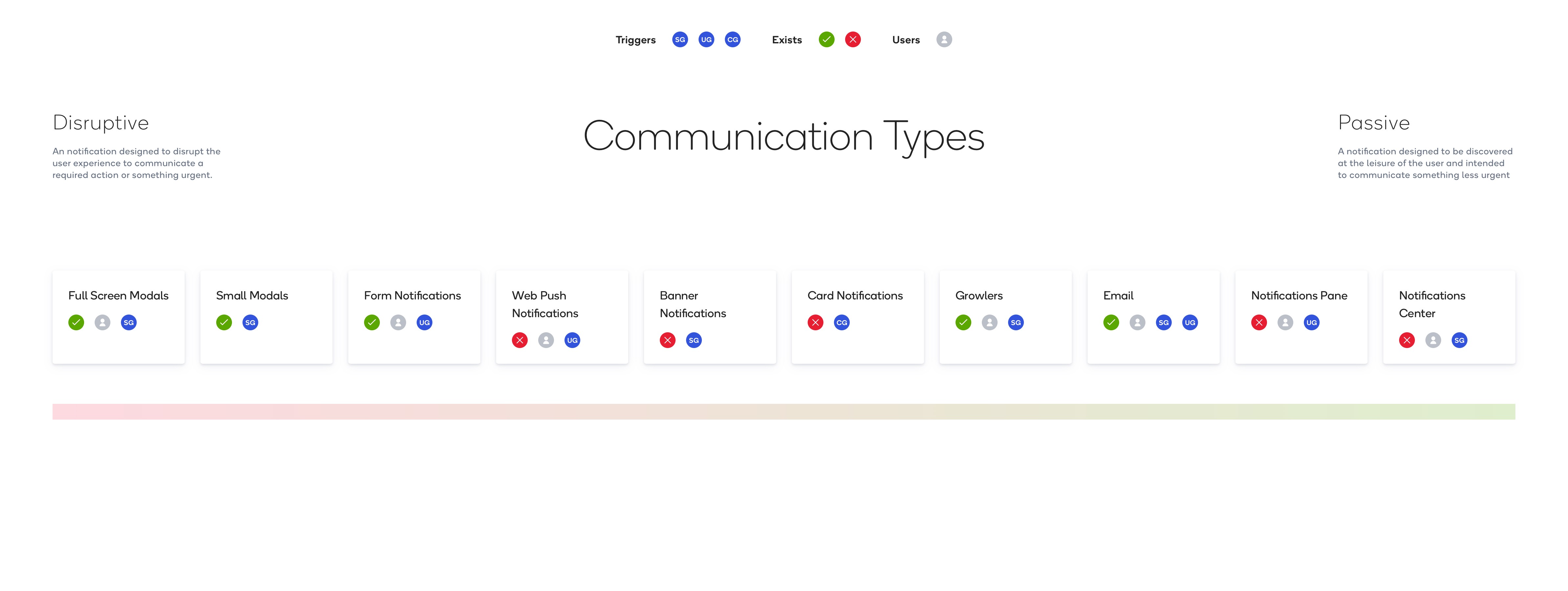
The framework organized messages around three types of triggers: system-generated events, such as state changes, policy updates, and security alerts; user-generated events, such as reminders or messages from other users; and context-generated events, such as time or location. It also mapped communication types along a spectrum from disruptive to passive. A required decision could justify interrupting a task, while a less urgent update could remain available for someone to discover at their own pace.
Notifications and feedback in context
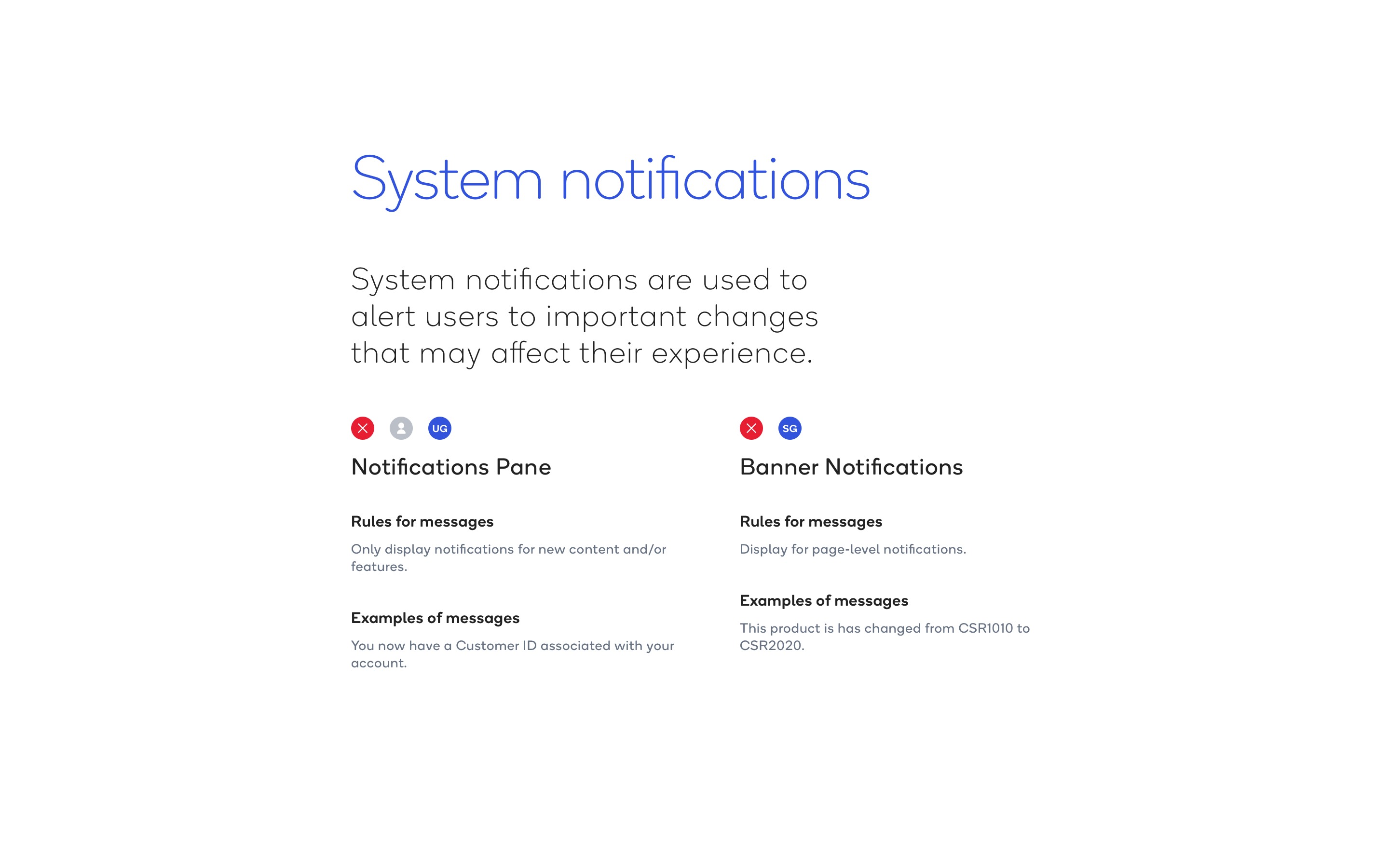
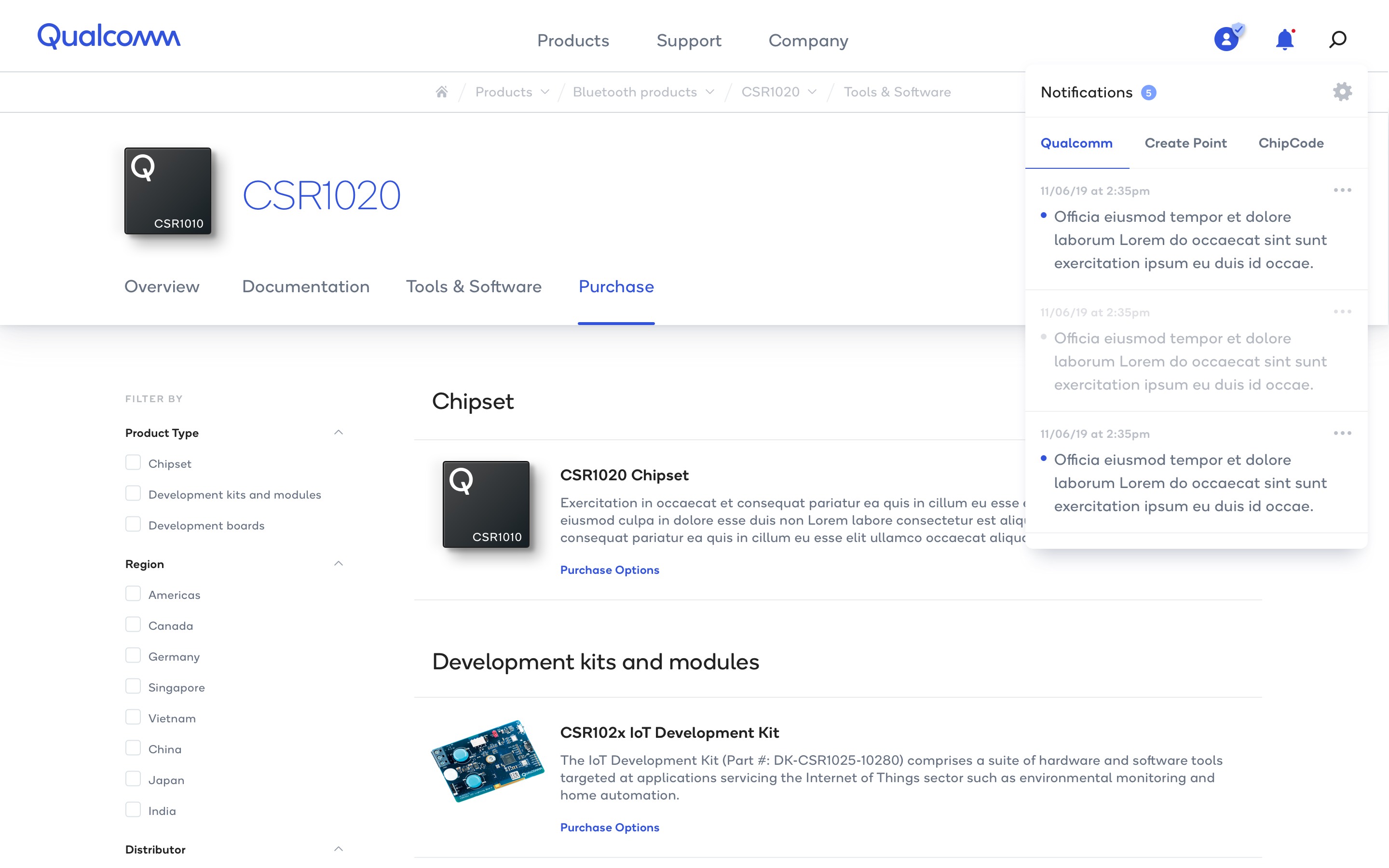
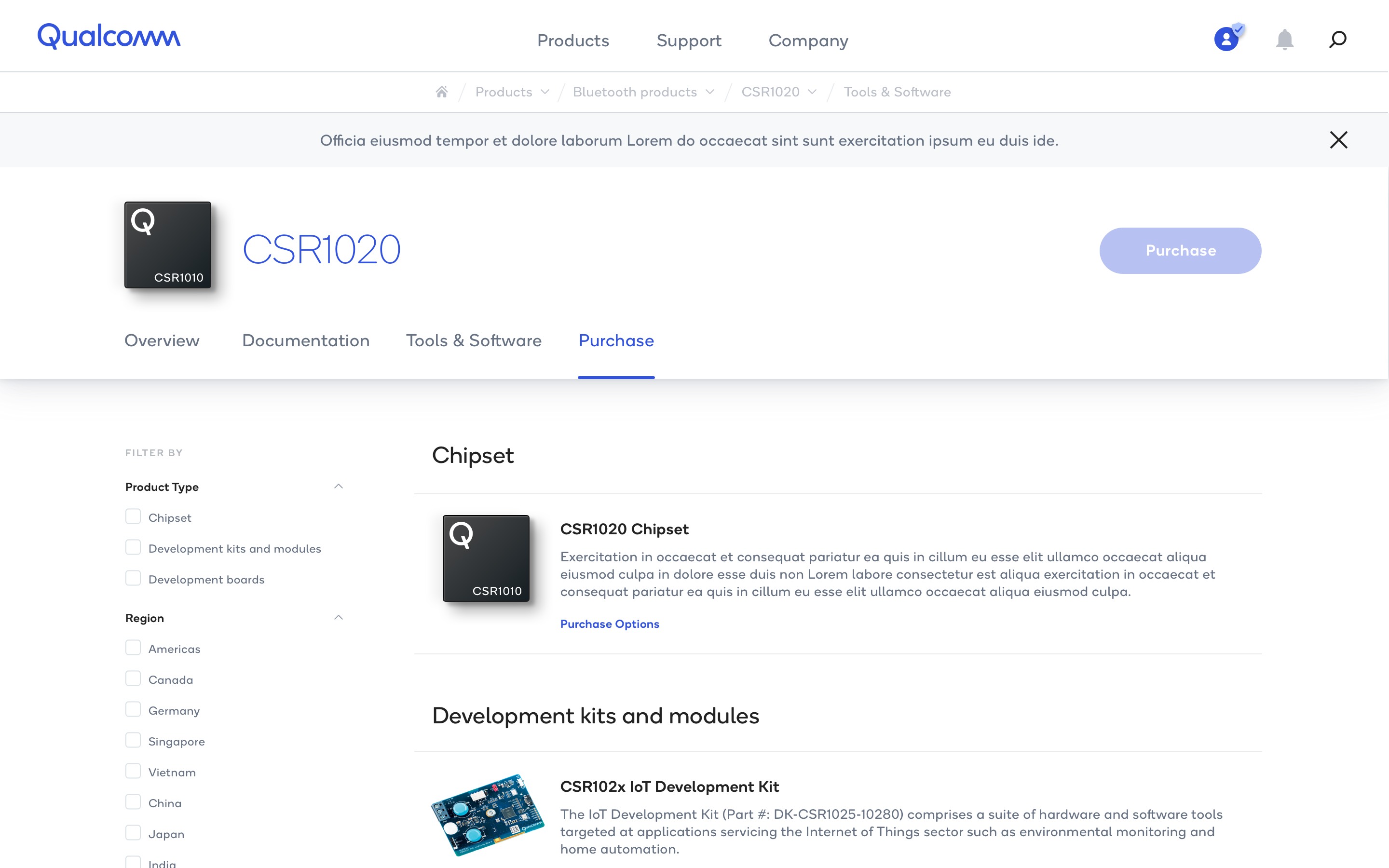
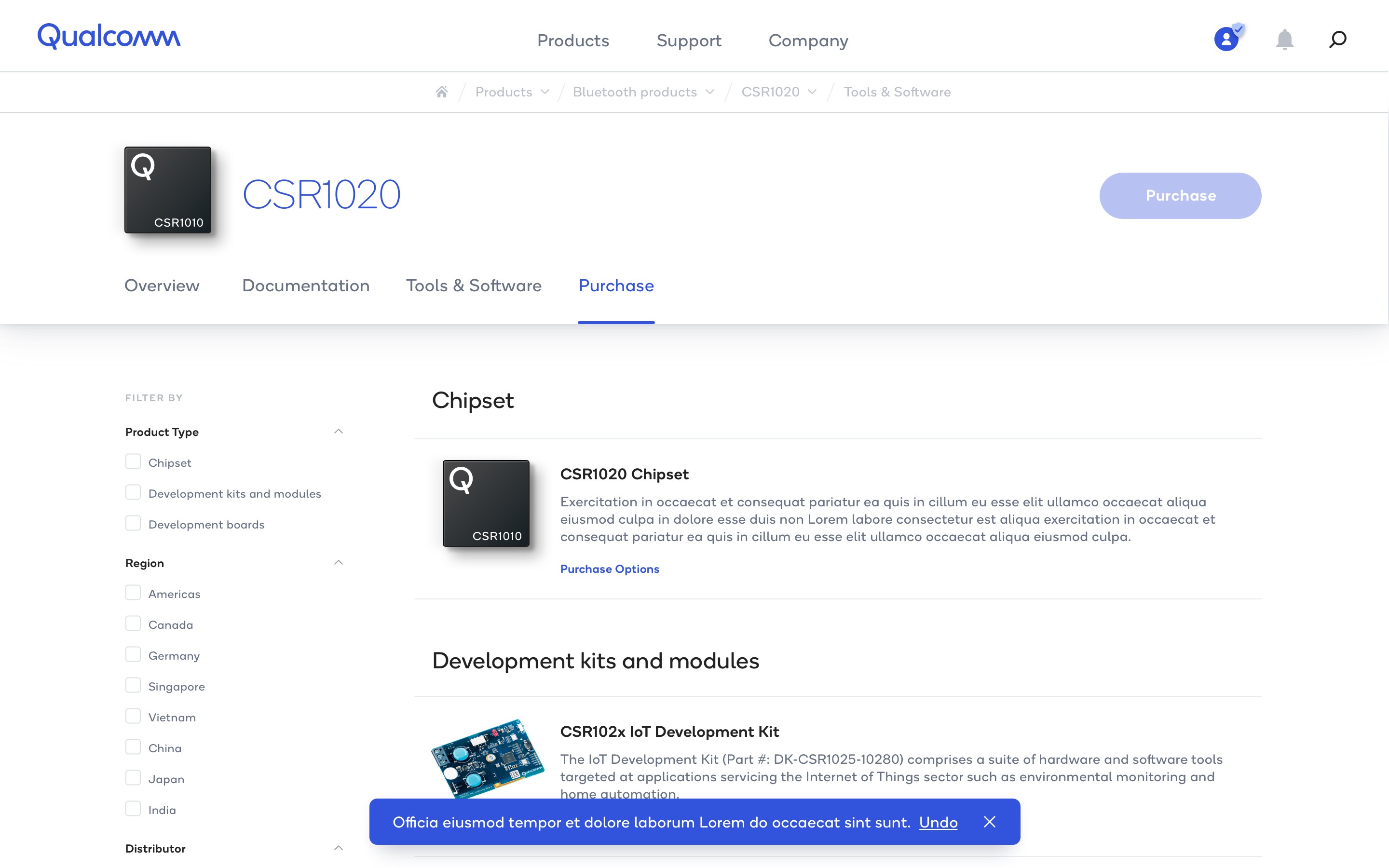
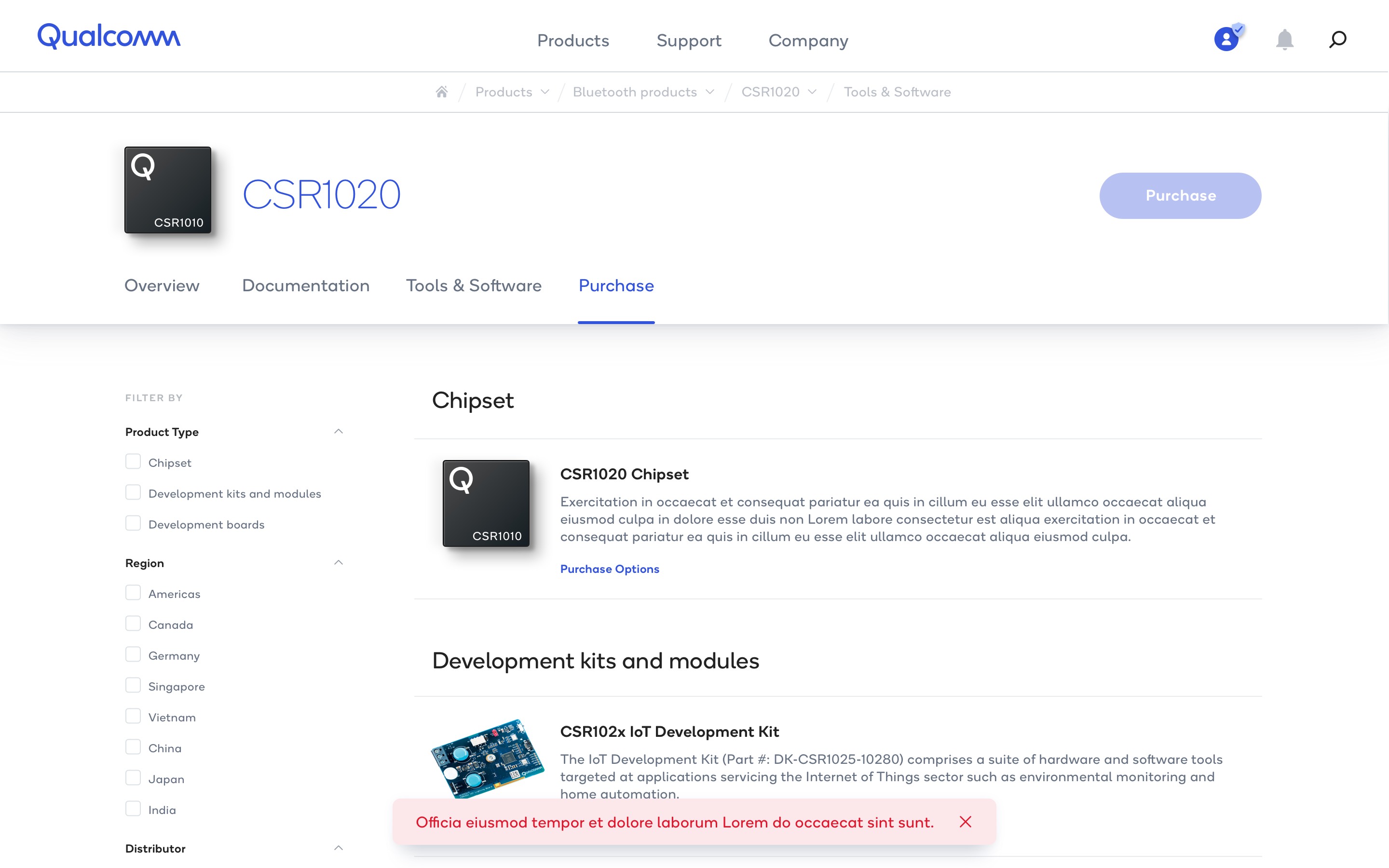
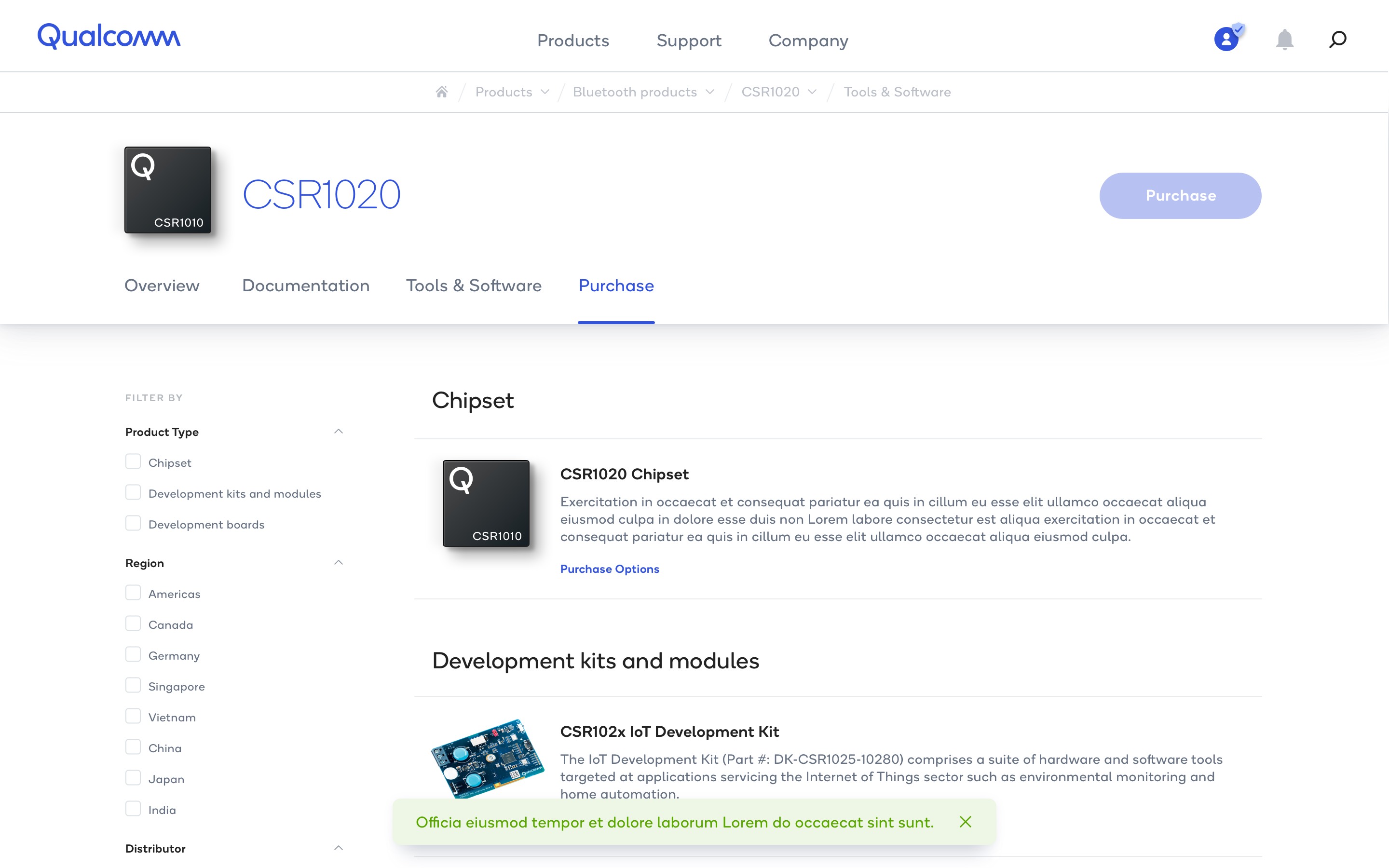
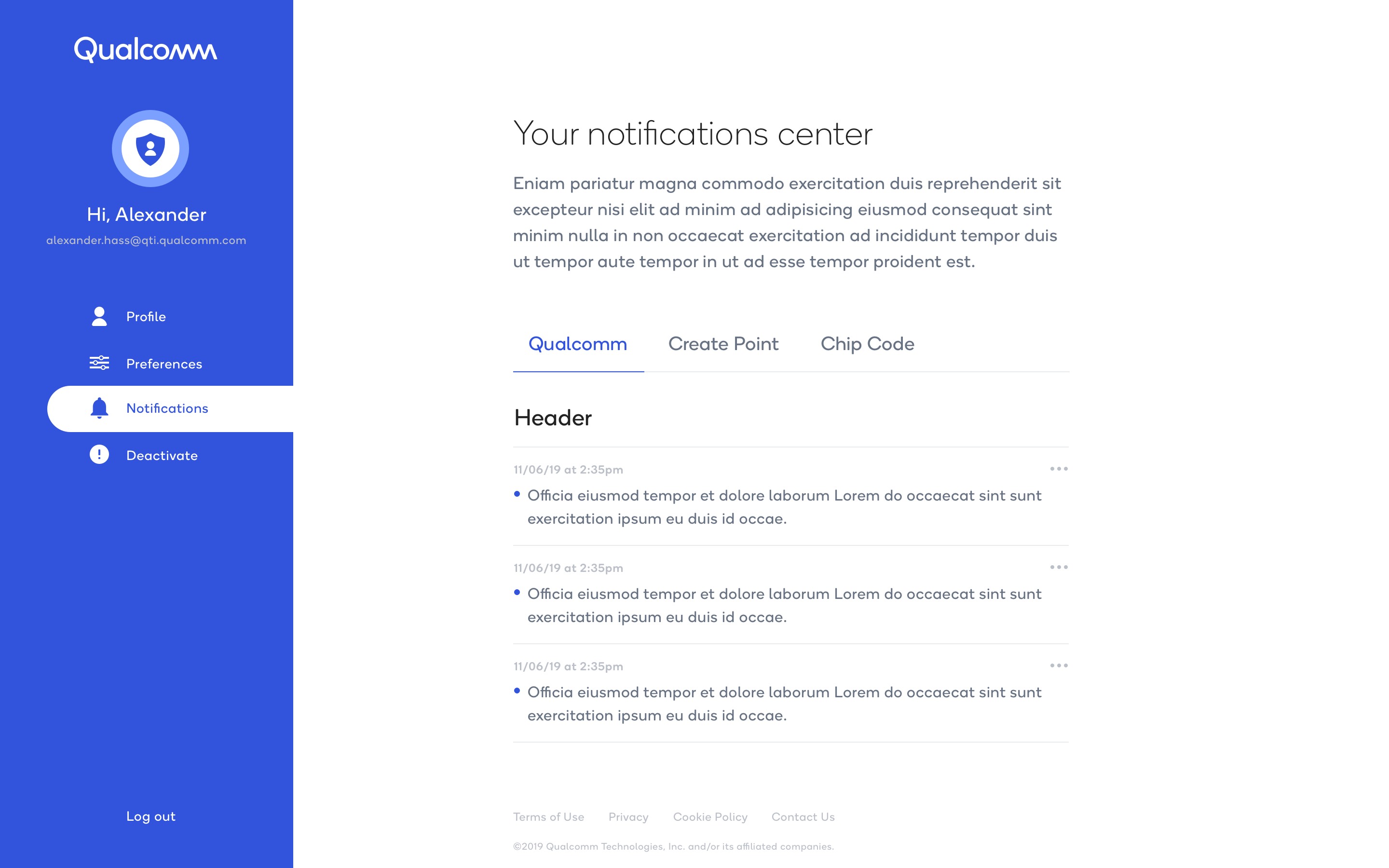
System notifications surfaced changes that could affect the experience. A notifications pane provided a place to discover new content or features, with tabs connecting Qualcomm, Create Point, and ChipCode. Page banners communicated changes relevant to the current page, such as an updated product identifier. Toast banners offered compact feedback within the page, with distinct informational, error, and success treatments and an optional action such as Undo.
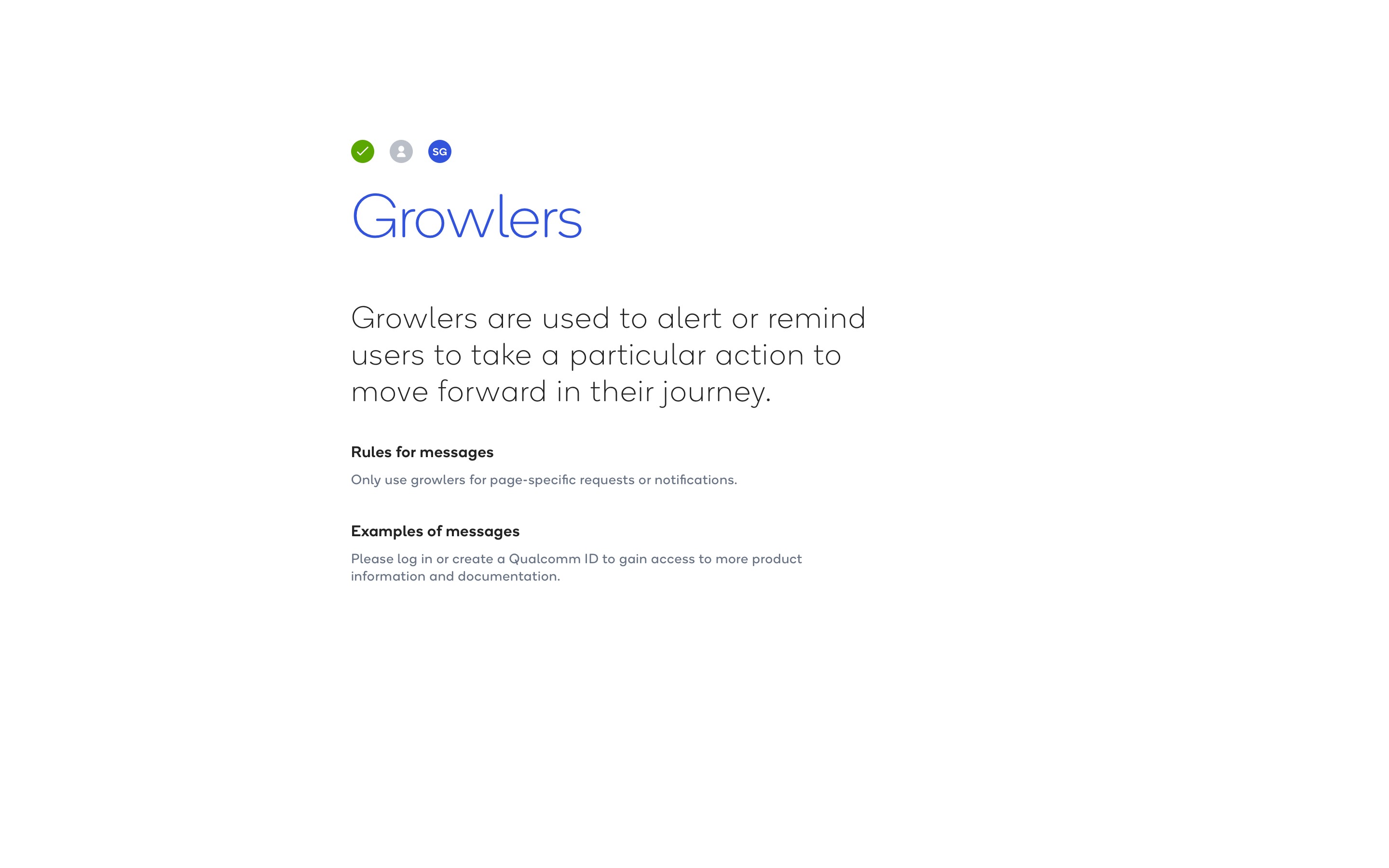
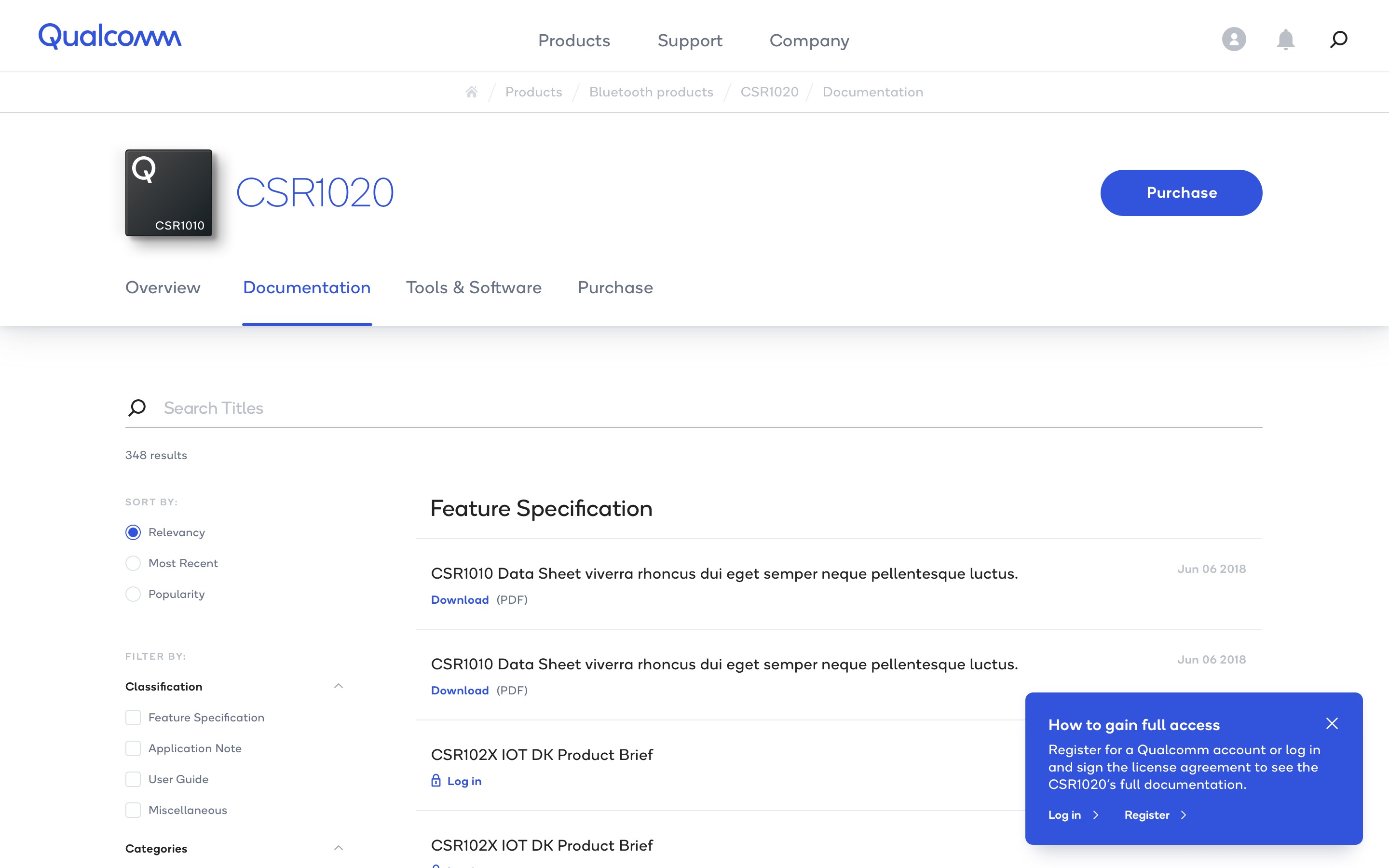
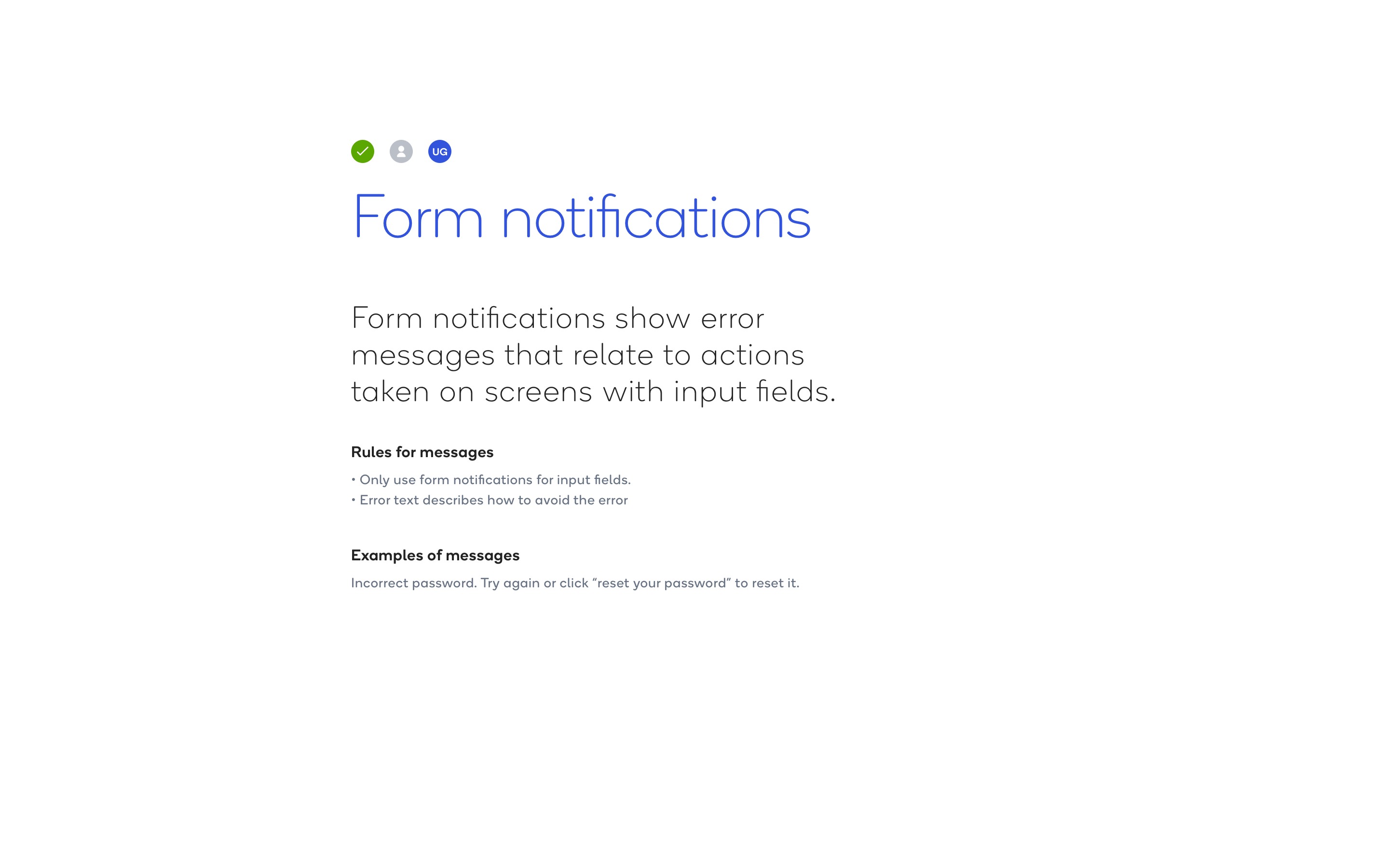
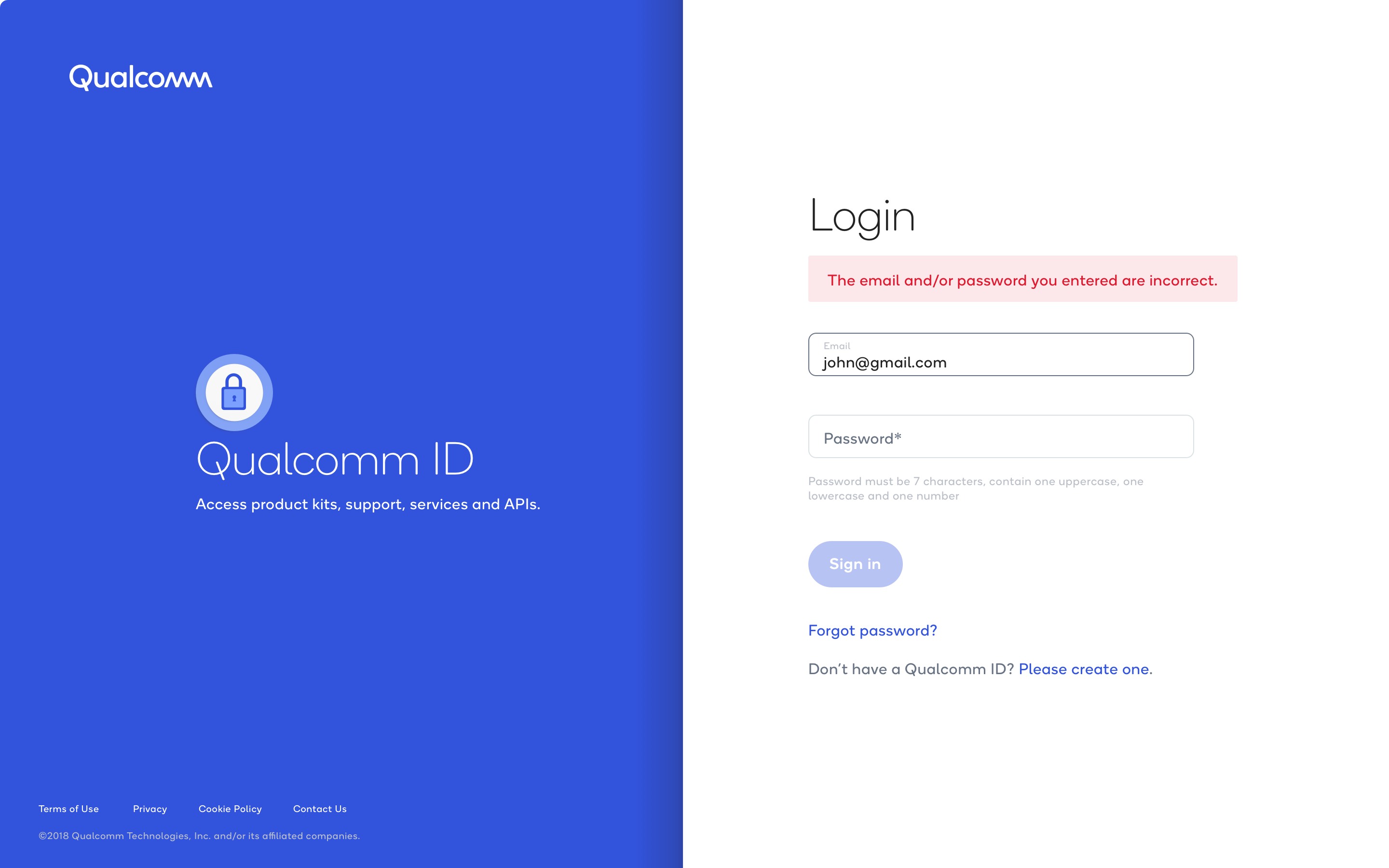
Form notifications kept error feedback close to the inputs involved. Their purpose was to explain the problem and help someone recover, such as retrying an incorrect password or resetting it. Growlers provided page-specific prompts that helped people move forward. On a product documentation page, for example, a growler explained how signing in, registering, and accepting a license agreement could unlock full access.
Guidance and decisions at the right moment
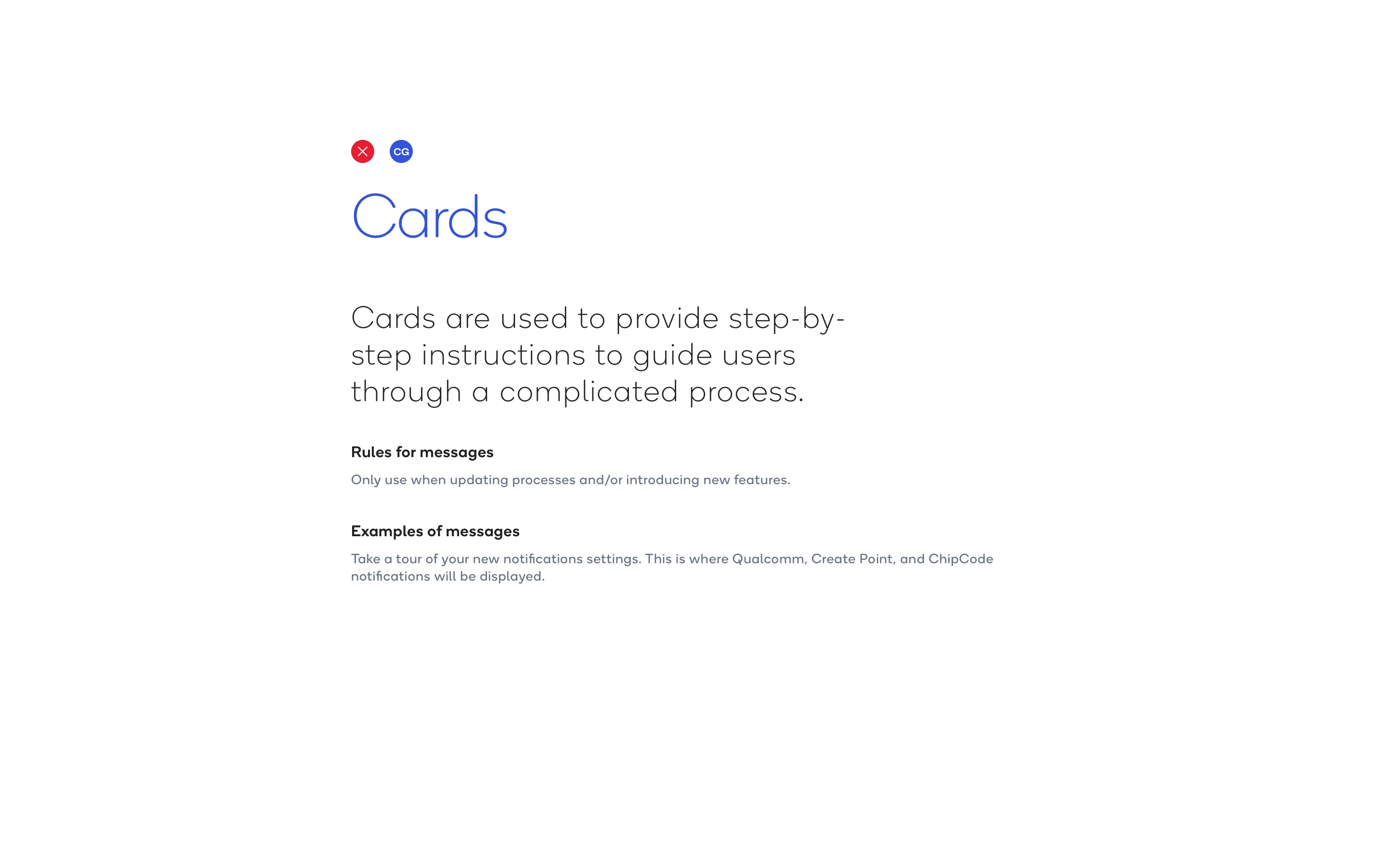
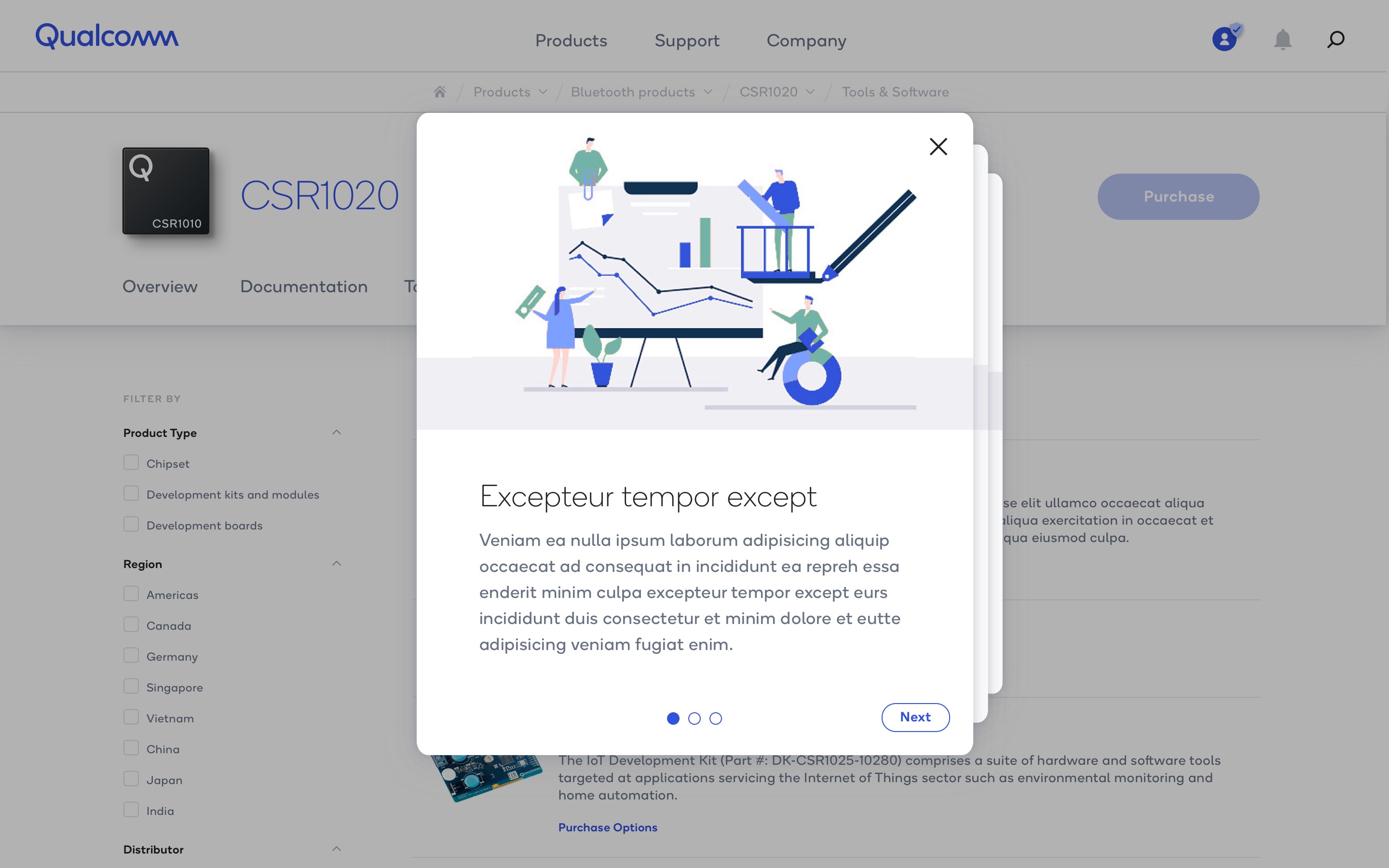
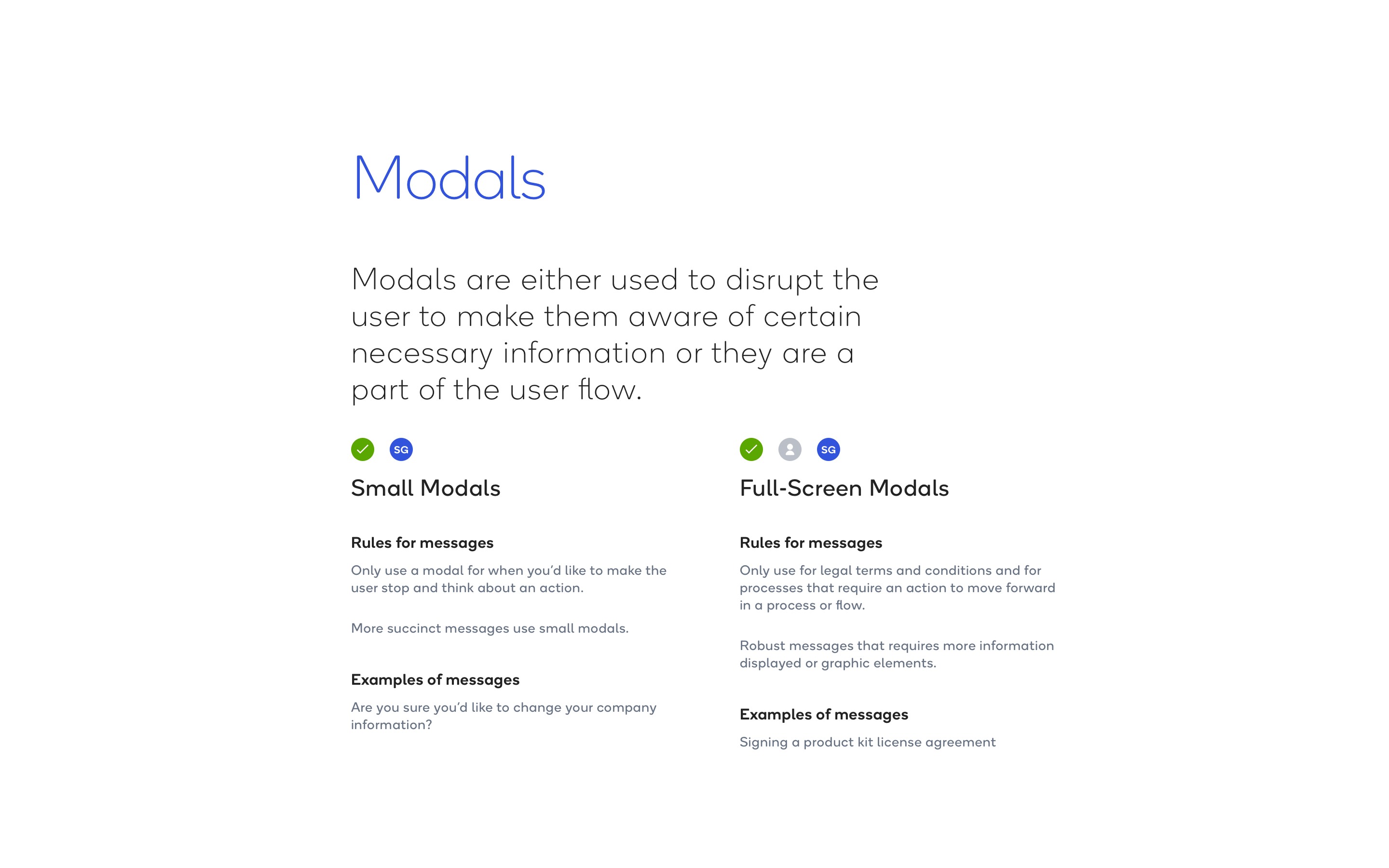
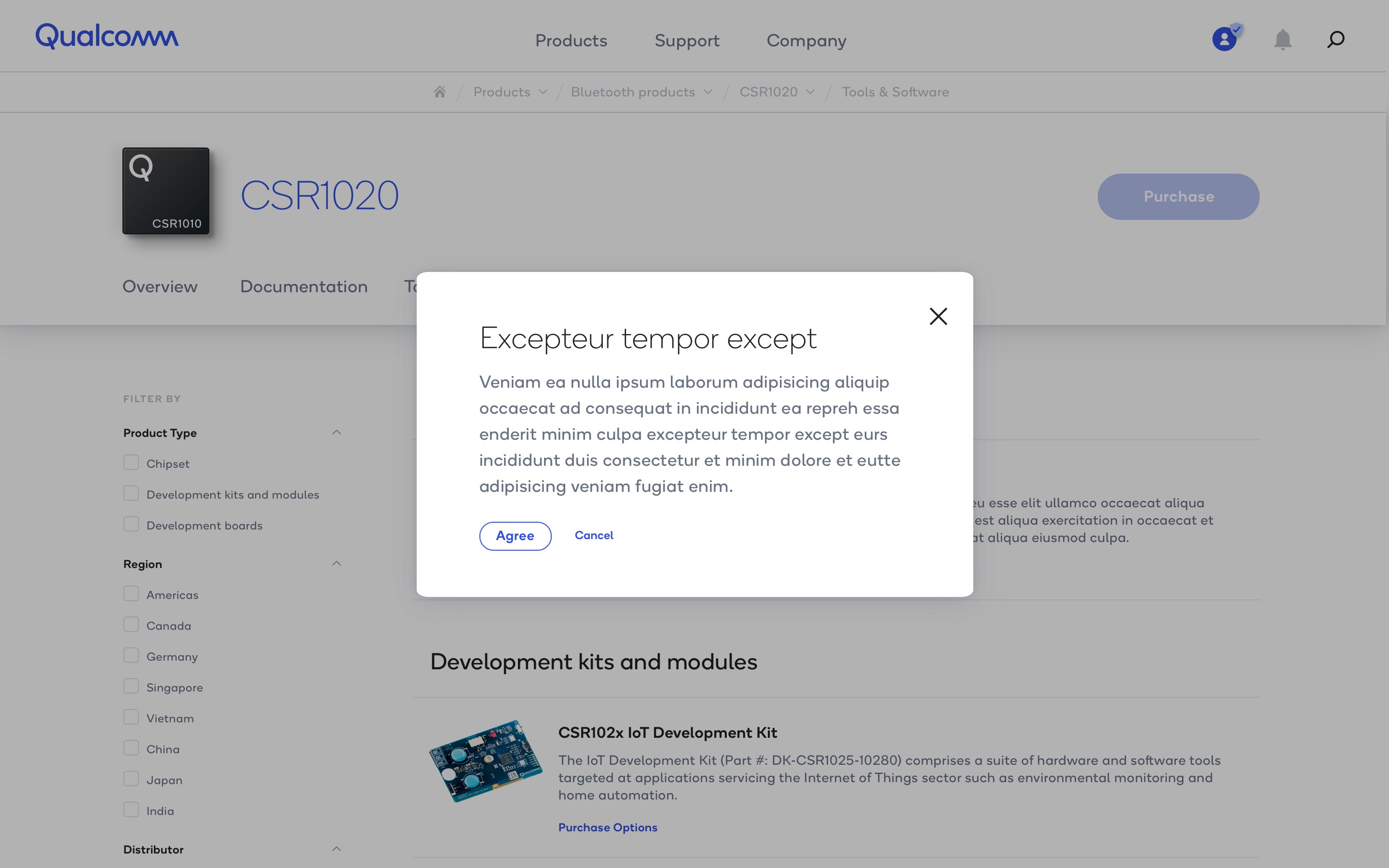
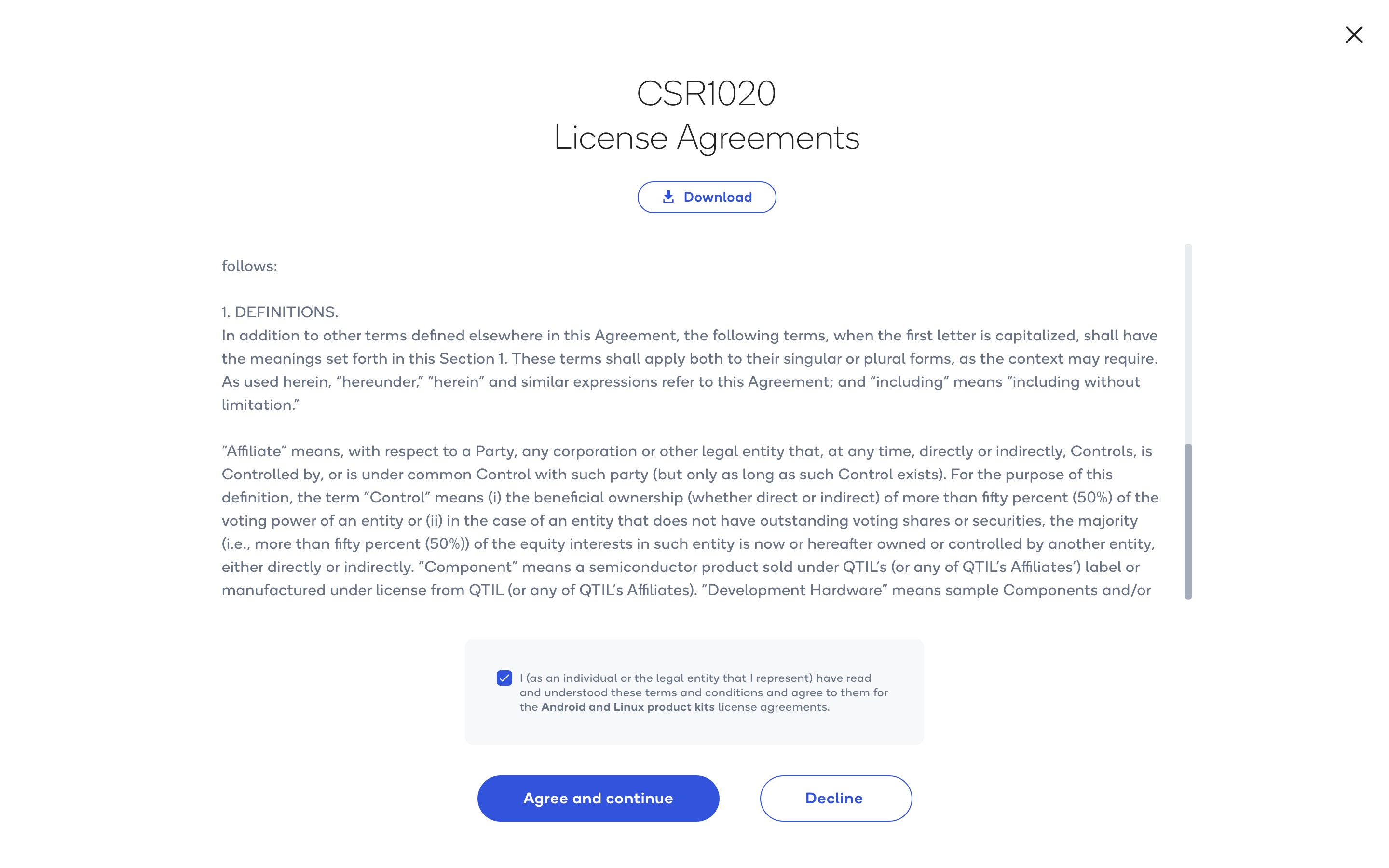
Cards broke complex or newly introduced processes into guided steps. The illustrated card sequence paired a clear progression with Next controls to introduce features without presenting every instruction at once. Small modals focused attention on a concise decision or confirmation. Full-screen modals accommodated legal terms, detailed information, and actions required to continue, as shown in the product license agreement flow.
Communication across channels
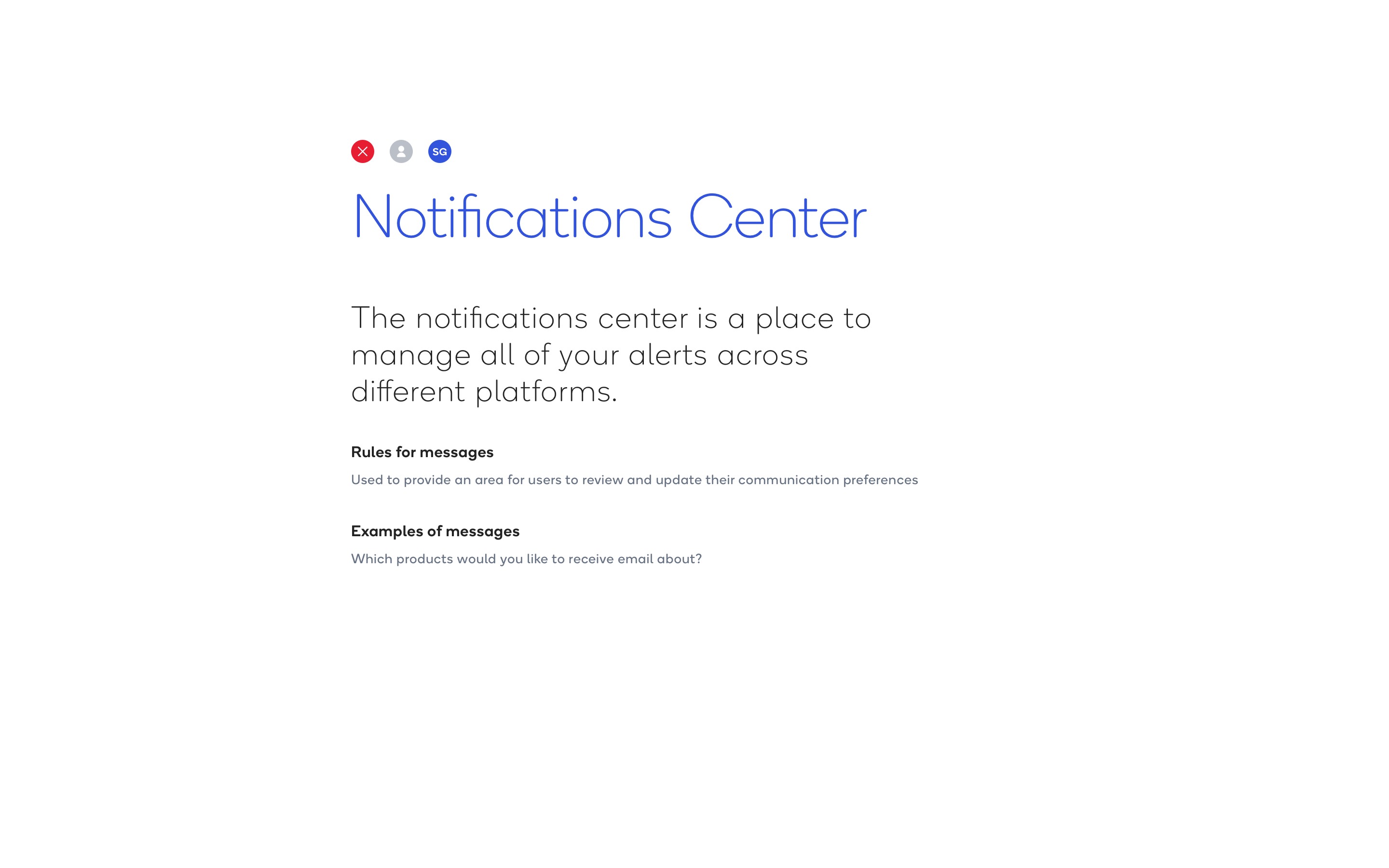
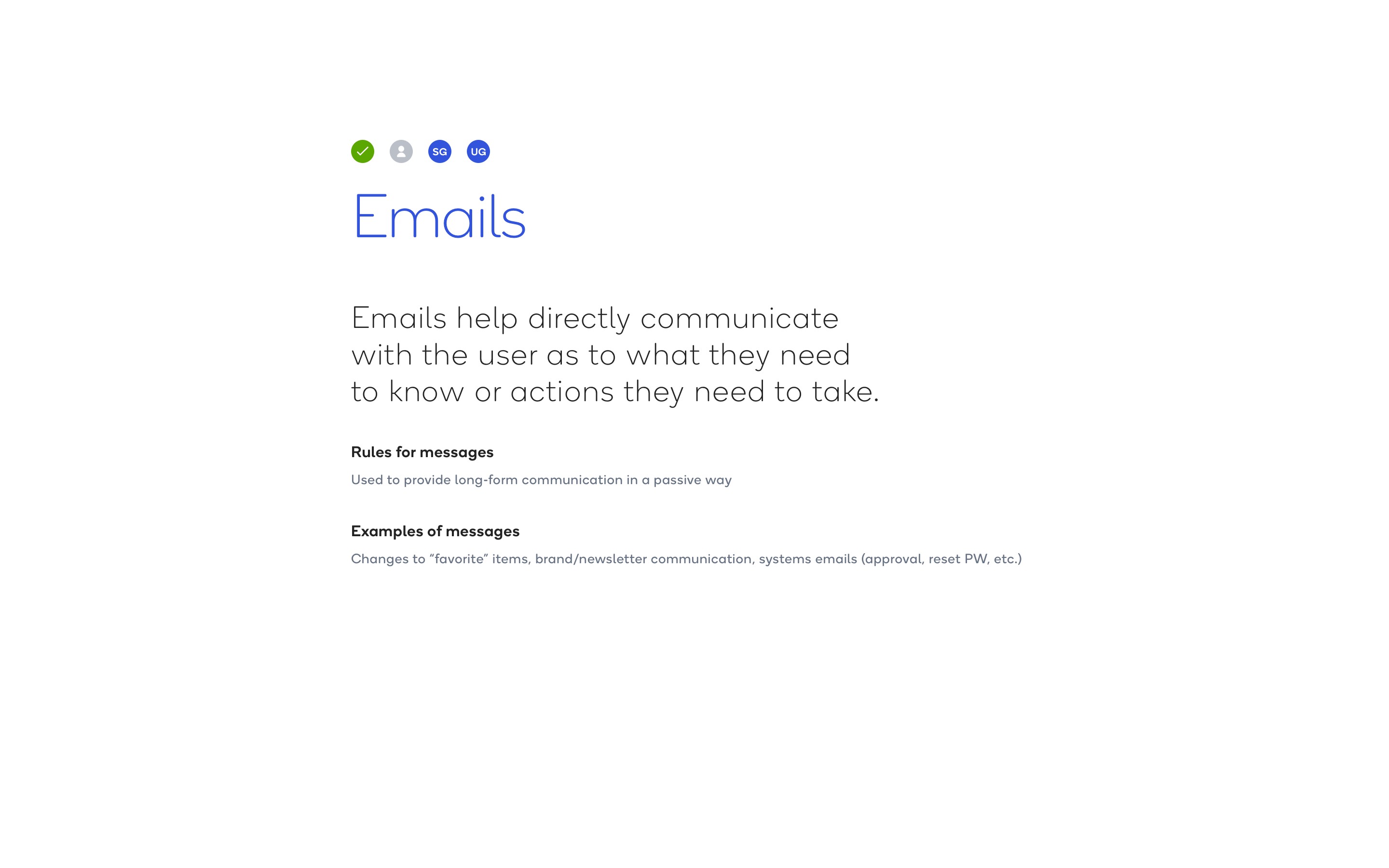
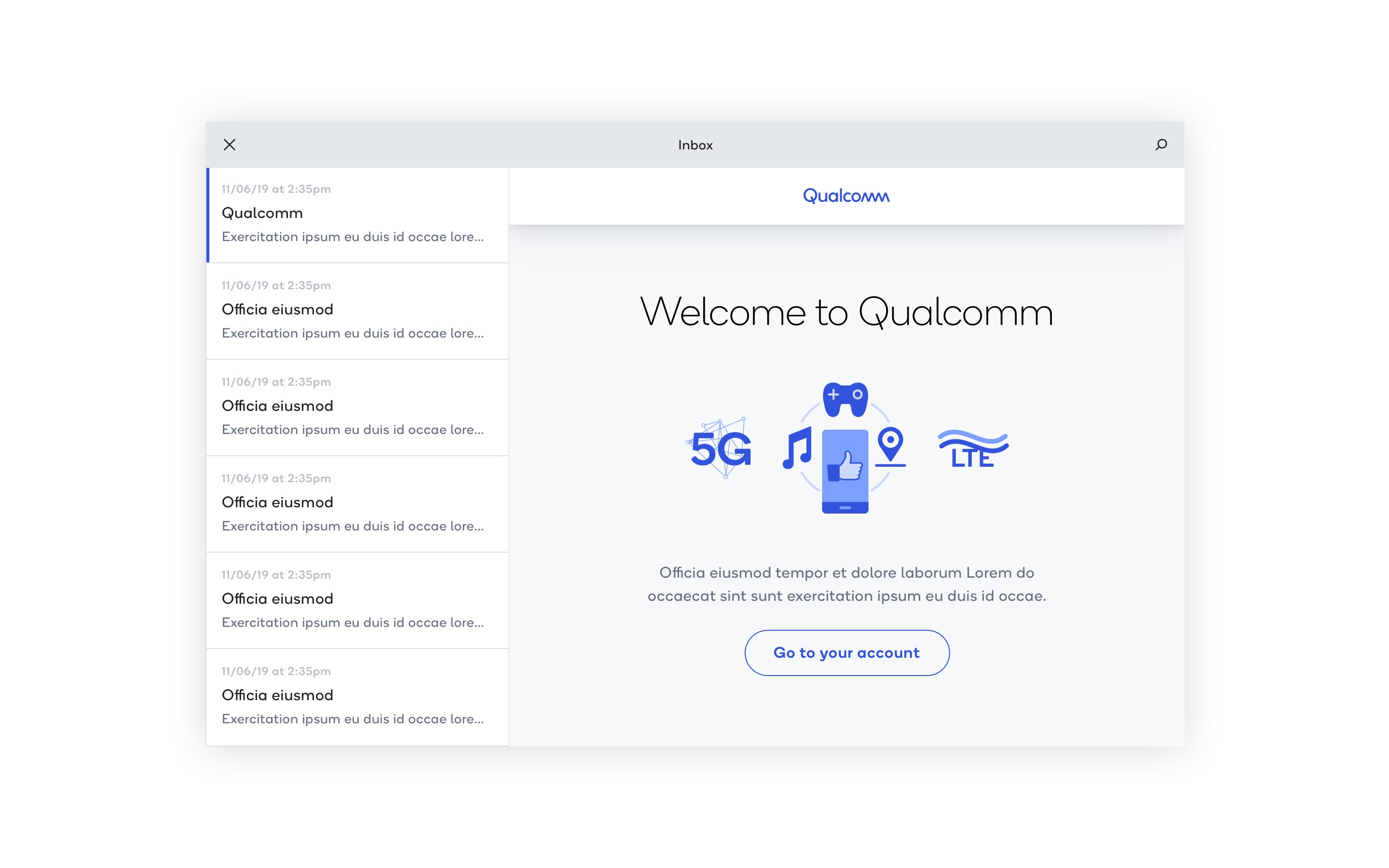
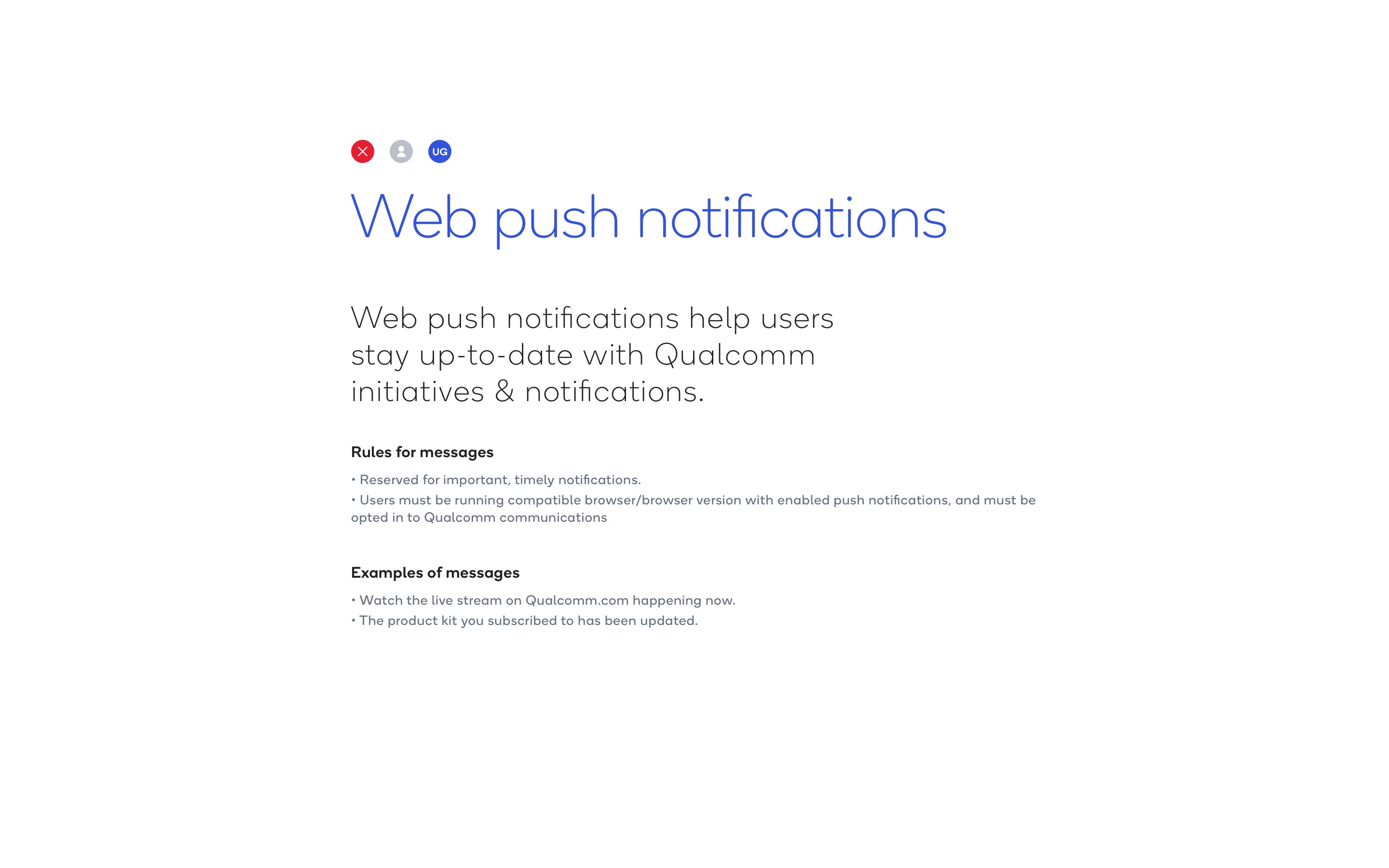
The notifications center brought alerts from different platforms into an account-level destination and provided a place to review and update communication preferences. Email supported longer messages that people could read in their own time, including welcome messages, approvals, password resets, product updates, and brand communications. Web push notifications were reserved for important, timely updates, such as a live event or a change to a subscribed product kit, with delivery dependent on user opt-in and a compatible browser.
One brand communication ecosystem
Together, these patterns connected immediate interface feedback, guided interactions, account-level updates, and communication beyond the website. Shared typography, Qualcomm blue, illustration, and recognizable status treatments carried the brand across touchpoints. The usage rules gave each component a defined role, so teams could choose a channel based on the message’s purpose, urgency, and context. This framework supported OneDX’s broader ambition: a coherent relationship with Qualcomm as people moved between products, portals, and stages of their journey.
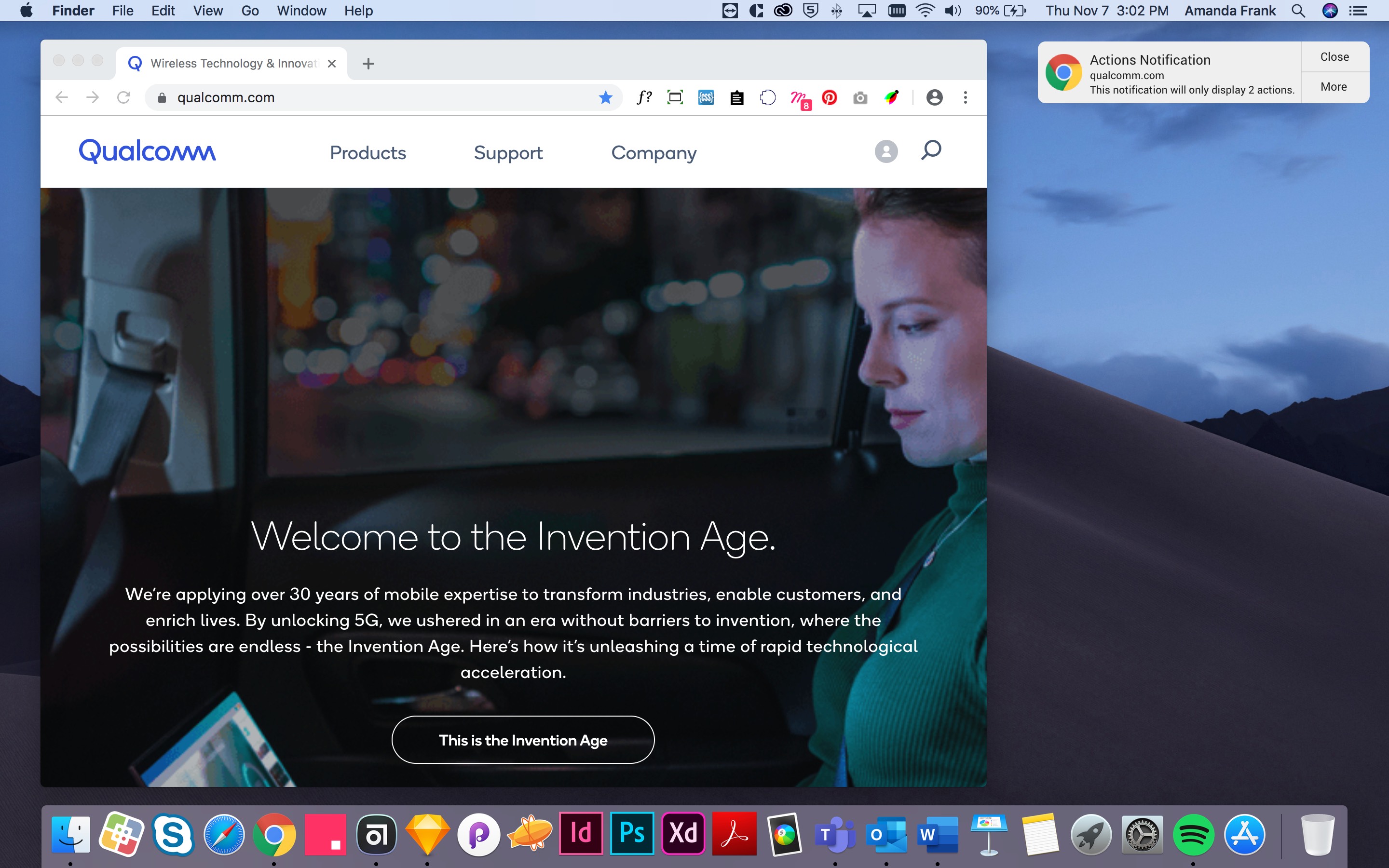
The final design.
My design contribution centered on these connected areas: overall UX and UI consistency, navigation, responsive behavior, and design system consistency.
Overall UX and UI consistency
I worked to improve and maintain a cohesive experience across the platform, holding the interface to a high standard of visual precision and UI quality. This meant careful attention to spacing, typography, alignment, hierarchy, and interaction patterns, alongside the usability of the overall experience.
I paired that attention to detail with user testing. Working alongside another UX expert, I created multiple flows for individual experiences and evaluated them with users online and in person. This helped us refine both how the interface looked and how people moved through it.
Navigation and information architecture
I helped define how users moved through the main navigation and individual pages across content categories. The aim was to make a complex ecosystem easier to understand while supporting different levels of information depth.
Responsive behavior
I designed experiences for desktop, tablet, and mobile, adapting layouts and navigation to each screen size while maintaining consistent visual and interaction patterns.
Design system consistency
I applied Qualcomm’s design system throughout the work and created new reusable components for its ongoing library. I maintained the design system as it evolved, helping support consistent implementation as multiple teams contributed to the platform.
Together, these decisions supported OneDX’s vision of a connected experience while addressing the platform work within our team’s scope.
Outcomes & learnings.
I did not have access to post-launch analytics or business performance data, so improvements in usability, adoption, or maintenance efficiency were not measured within my scope.
My contribution included responsive product designs, navigation and information architecture work, usability testing, and reusable components for Qualcomm’s evolving design system. These deliverables supported the broader goal of bringing consistency to a fragmented digital ecosystem.
The project also reinforced how closely design consistency depends on collaboration. With multiple delivery teams working toward shared releases, reusable components, aligned UX patterns, and ongoing communication were essential to creating a cohesive experience.